

November 12, 2026
Reverse email lookup tools · who is behind a work email
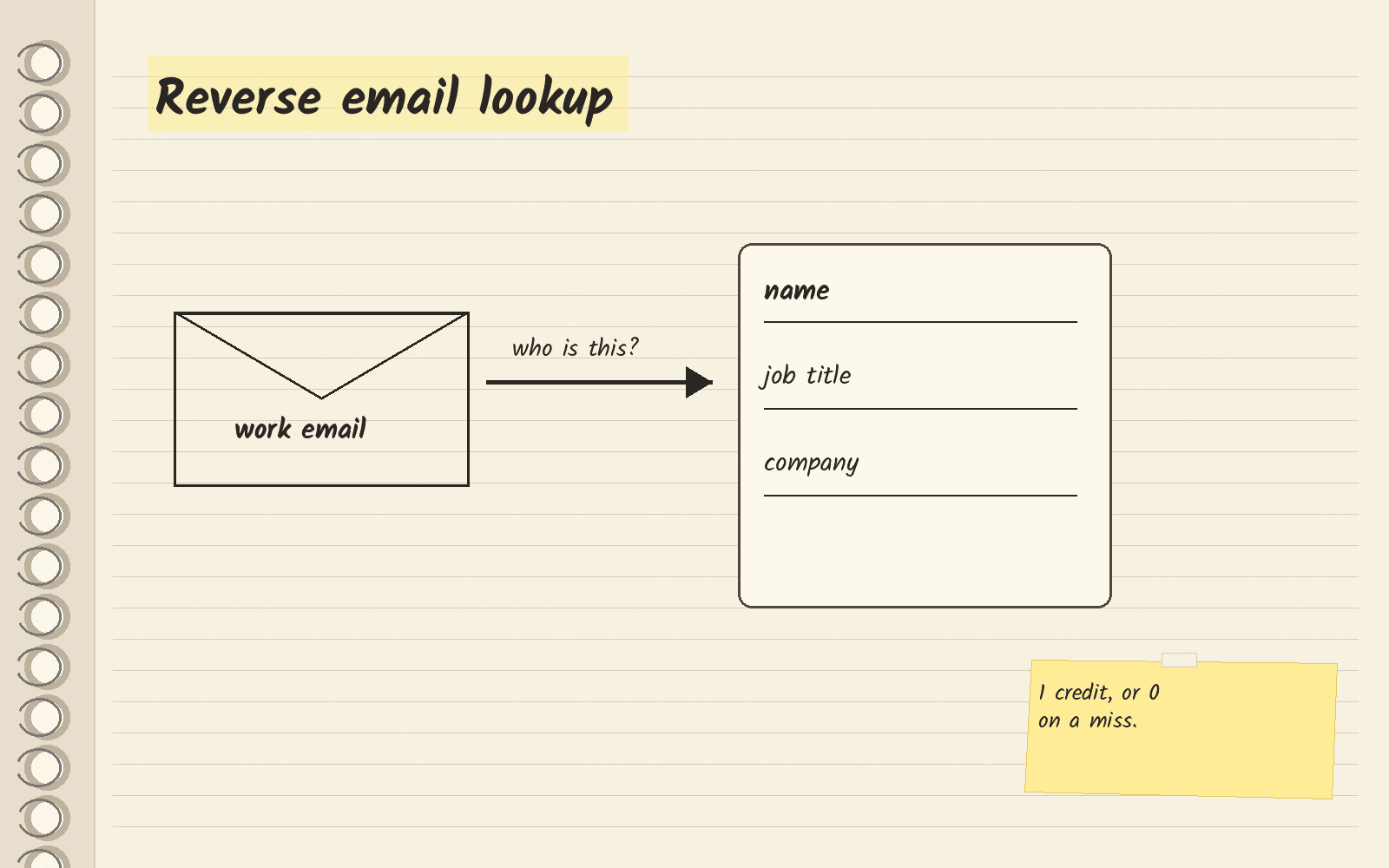
Visit FullEnrichA reverse email lookup turns a work email into a name, job title and company. FullEnrich charges 1 credit per lookup and nothing when it finds no match.
The short answer
A reverse email lookup starts with an email address and tells you who owns it. An email finder does the opposite job: you give it a name and a company, and it gives you back an email address.
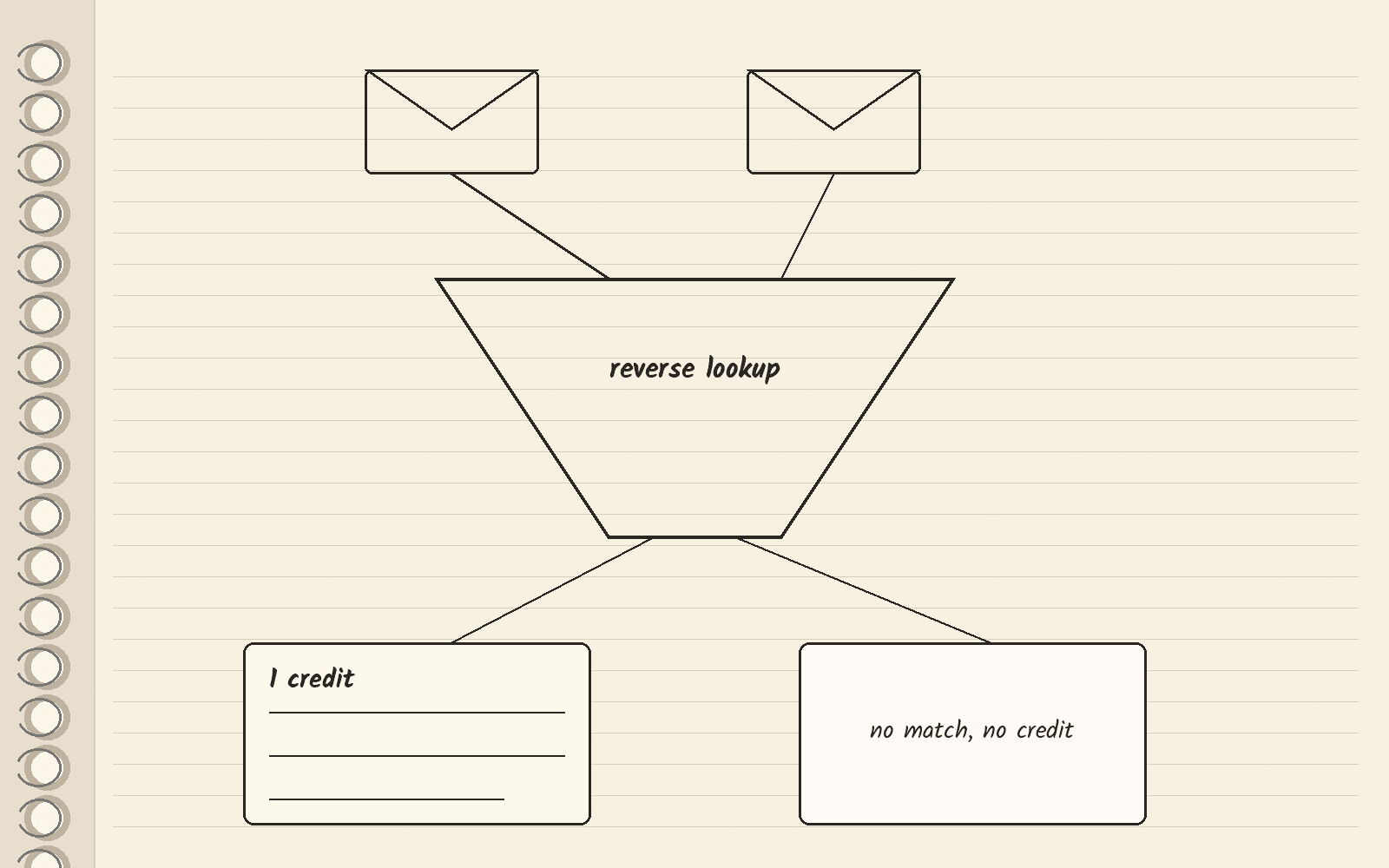
If you sell to businesses (B2B) and you have a work email from a form fill or an event list, pick FullEnrich. A credit is the unit a data tool counts down each time it returns something. FullEnrich’s pricing page says a reverse lookup costs 1 credit, and it uses no credit when it finds no match. New accounts get 50 free credits, and you do not need a card.
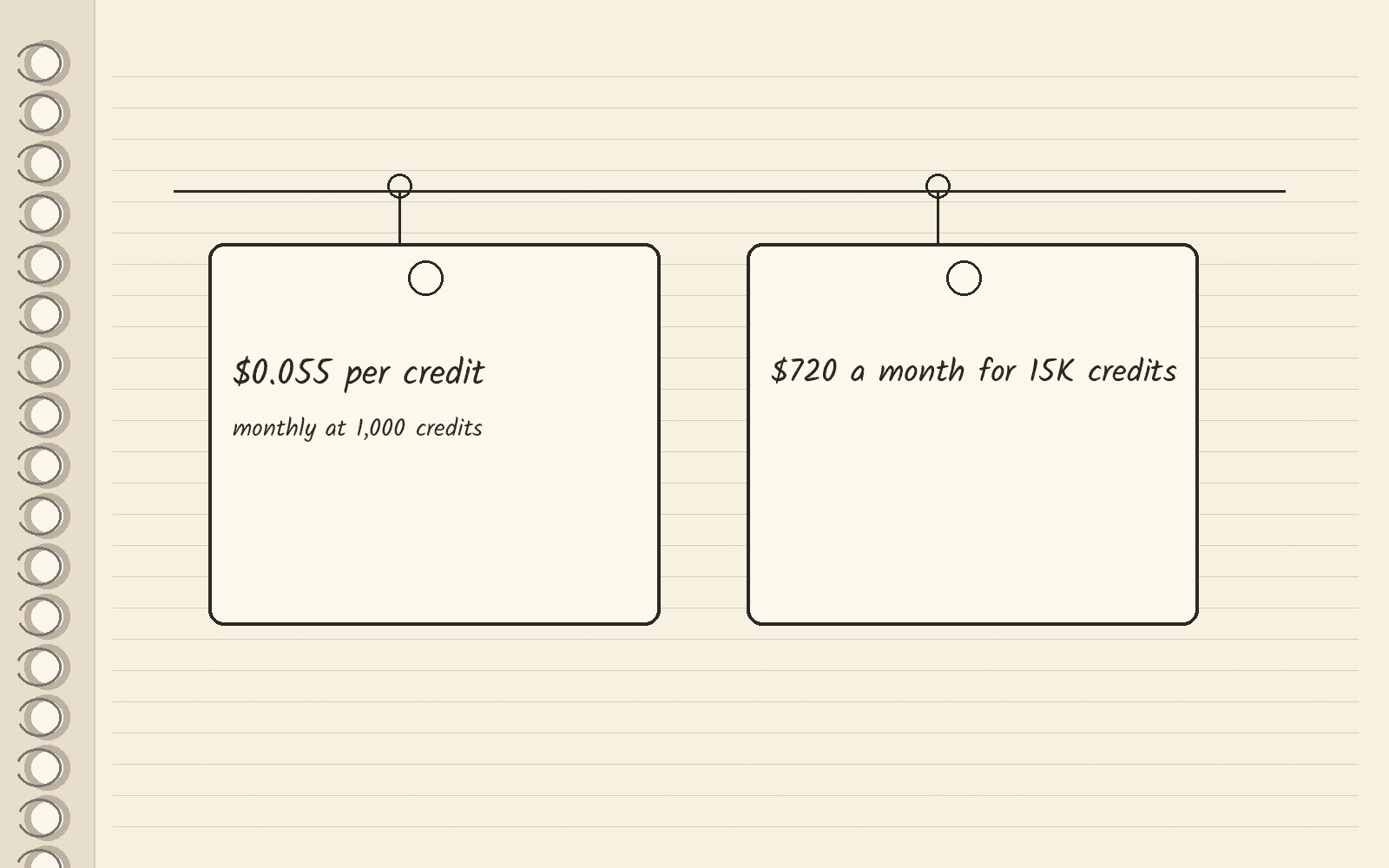
FullEnrich lists its rate at $0.055 per credit when the pricing page is set to Monthly at 1,000 credits a month. The same page shows $720 a month for 15K credits. Check the rate at your own volume on FullEnrich’s pricing page.
Two kinds of reverse lookup
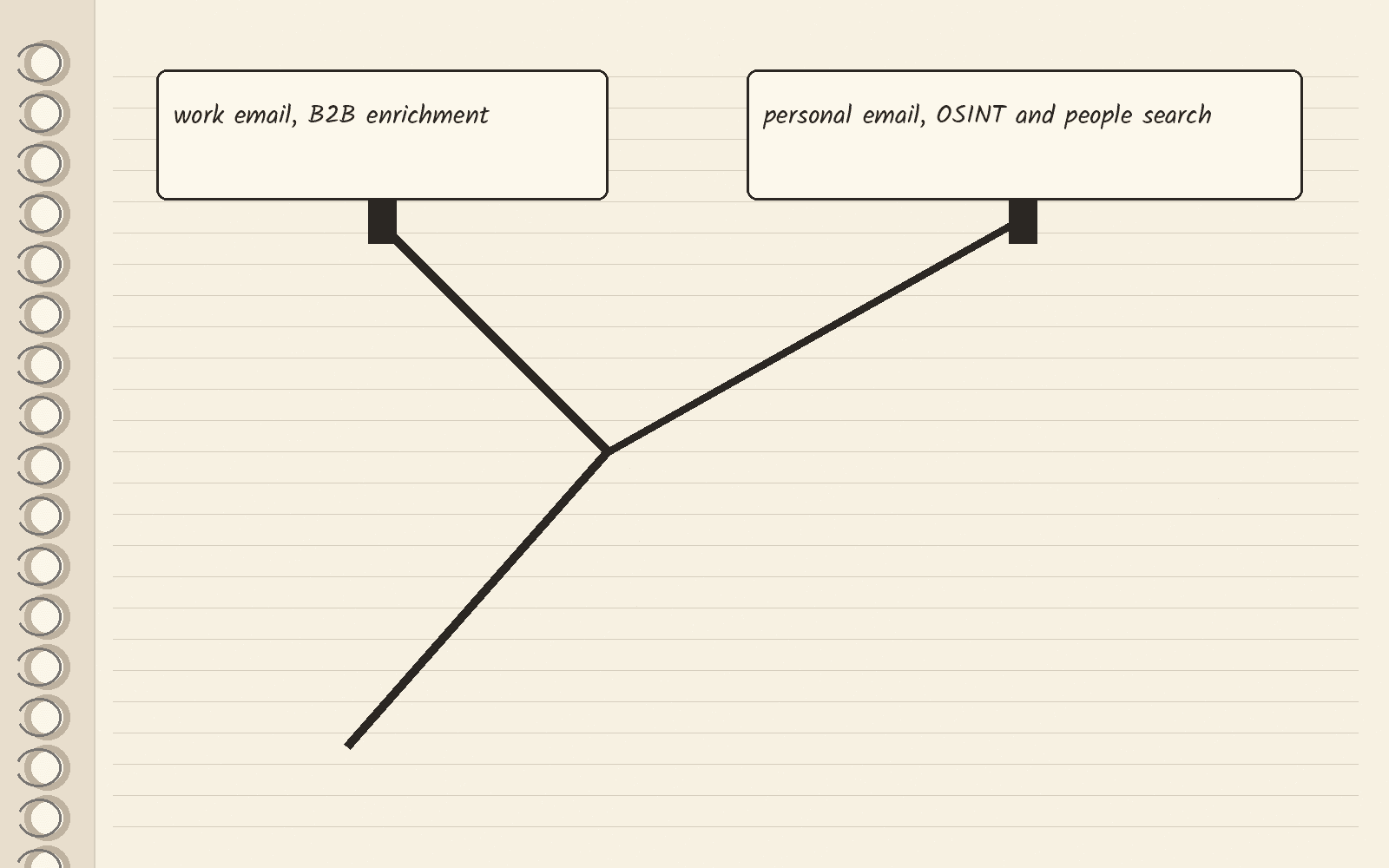
Reverse lookup tools split into two groups. Enrichment means adding missing details to a contact you already have. B2B enrichment tools take a work email and return where the person works. OSINT tools work the other side. OSINT stands for open source intelligence, which means research from public sources, and here it covers checks on who is behind a personal address.
CUFinder’s roundup draws the same line. It sends work emails to B2B tools and personal emails to consumer and OSINT tools such as Epieos, Social Catfish and Spokeo.
How FullEnrich’s lookup works
FullEnrich uses a waterfall. A waterfall asks one data provider first, and if that provider has no answer, it asks the next one. FullEnrich’s reverse lookup page says it asks more than 20 providers.
Syft Data, a company whose own platform runs an enrichment waterfall, tested six data vendors, FullEnrich among them. Syft ran the test itself and published it on its email enrichment benchmark, last updated November 3, 2026. Syft gave every vendor the same 986 emails. An answer counted as right only when both the name and the company matched what the person had told Syft. A waterfall that asked FullEnrich first, then The Swarm, Apollo, Clearbit and FullContact, filled the name and company for 66% of work emails, and 85% of those were right. On personal emails, such as Gmail or Yahoo addresses, the same order filled 49%, and only 17% of those were right. FullEnrich took a median of 12 seconds per email, and every other vendor answered in under 1 second. Syft says it pays each vendor in the test, so read these as one vendor’s numbers, not an independent lab’s.
You paste an email into the web app, and you do not need to set up an API, the link that lets your own software call FullEnrich. The same page says a match returns the person’s name, job title, company, phone number and LinkedIn URL. FullEnrich’s pricing page says a reverse lookup can start from a work or personal address and returns a person profile and a company profile.
One warning on fresh data. Jordan Crawford, who writes the newsletter On the Edge by Blueprint, sent the same LinkedIn profile links to 12 data vendors and checked them against people who had just changed jobs. In his test, published November 4, 2026, his scorecard says FullEnrich’s stored data was “stale on about 6 in 10 movers.” Stale means out of date, and a mover is someone who changed jobs recently. Crawford discloses, “I’m an investor in and advisor to FullEnrich.” His test looked up LinkedIn profiles, not emails, so treat it as a reason to double-check job titles for people who just moved, not as a score for email lookup.
What each lookup costs in credits
FullEnrich’s pricing page prices each kind of result in credits:
| Result | Credits |
|---|---|
| Reverse email lookup | 1 |
| Work email | 1 |
| Personal email | 3 |
| Mobile number | 10 |
Company and profile data come free with any enrichment, or cost 0.25 credit on their own. No match, no credit means a lookup that finds nothing uses up no credits. The paid plan card on FullEnrich’s pricing page says unused credits roll over for 3 months on monthly plans and 12 months on yearly plans.
What 15K credits cover
FullEnrich’s pricing page shows two prices. The $0.055 per-credit rate is the Monthly setting at 1,000 credits a month. The $720 a month figure buys 15K credits.
The math: at 1 credit per reverse lookup, 15K credits cover 15,000 lookups that find a match. Say you also want mobile numbers for 500 of those people. That takes 5,000 credits (500 times 10), which leaves 10,000 credits for reverse lookups (15,000 minus 5,000). Lookups with no match do not come out of the 15,000.
Start with the free credits
The 50 free credits are enough to run 50 reverse lookups that find a match. FullEnrich’s reverse lookup page says the free lookups need no card. Take 50 work emails from your own form fills, run them, and count how many come back with a match before you pay.

Other names in reverse lookup roundups
Apollo appears in the CUFinder and Oppora lists, and AI Ark is another B2B data tool. Apollo’s email finder works from a name, company or job title, so it is an email finder. AI Ark’s site lists people search and company search tools. Neither vendor page read for this guide describes a reverse email lookup product. The AI Ark pricing guide covers AI Ark’s plans.
The three roundups linked here come from companies that sell lookup or outbound tools. CUFinder’s list puts CUFinder first. Oppora’s list puts Oppora first. Icypeas’s list is written by the Icypeas CEO. Read them as vendor lists.
What to do this week
Pull 50 work emails from last month’s form fills or event list. Open a free FullEnrich account, run them through the reverse lookup, and see how many come back with a name and company. The button below opens FullEnrich’s homepage.
Next · Email finders covers tools that start from a name · FullEnrich pricing walks through its plans · FullEnrich review covers the whole product · Enrichment tools compares more data tools · Mobile enrichment tools covers phone numbers.
Sources · FullEnrich pricing, viewed November 12, 2026 · FullEnrich reverse email lookup, viewed November 12, 2026 · Apollo email finder, viewed November 12, 2026 · AI Ark, viewed November 12, 2026 · CUFinder reverse lookup roundup, viewed November 12, 2026 · Oppora reverse lookup roundup, viewed November 12, 2026 · Icypeas reverse lookup roundup, viewed November 12, 2026 · Syft Data email enrichment benchmark, last updated November 3, 2026 · Jordan Crawford on On the Edge by Blueprint, November 4, 2026
Related
- Cheapest SERP API · real bills at 10k, 100k and 1M searches
- Firecrawl alternatives · self-host, search or blocked pages
- People Data Labs alternatives · pick by the job you need
- People Data Labs pricing · Free, Pro and what credits buy
- FullEnrich
- Best Apollo alternatives · AI Ark is the top pick
- Best B2B phone number finders · pay per mobile found