

October 28, 2026
Firecrawl MCP · the keyless option, sign in, or an API key
Firecrawl’s MCP server connects three ways: a keyless option with no account, browser sign-in, or an API key. See the tool counts, the credit math, and a package rename that broke one builder’s setup.
The short answer
Pick the keyless option, no account or API key, if you just want to try Firecrawl inside your AI assistant. Sign in or add an API key if you want the full tool set for real work.
An MCP server is a plug-in that lets an AI assistant, like Claude, call a tool instead of only writing text back to you. MCP stands for Model Context Protocol, the shared rule book that lets different AI clients use the same plug-in the same way.
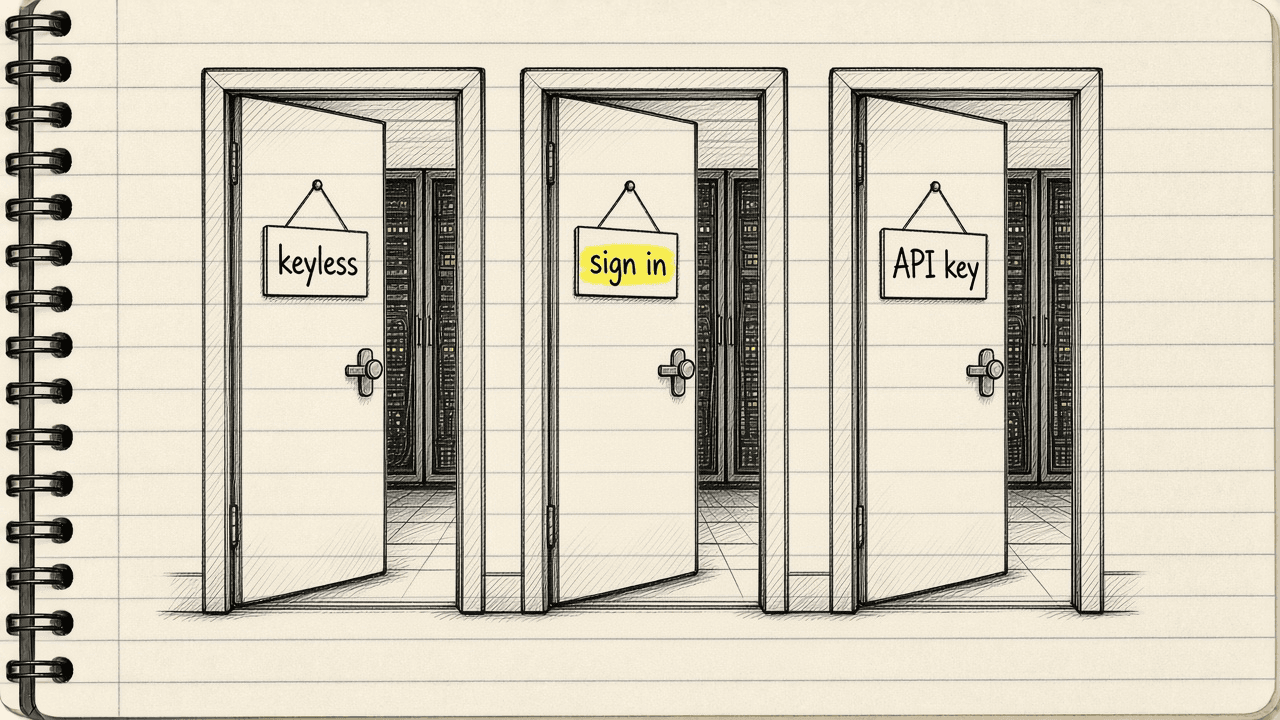
Firecrawl runs an MCP server that gives an AI assistant the ability to search the web, scrape a page into clean text, and more. There are three ways to connect it: the keyless option, no account or API key, with daily limits; sign in through a browser from a client such as Claude Code or Codex; or configure an API key directly in the client. All three paths reach the same Firecrawl account.
A credit is the unit Firecrawl takes off a balance every time the server scrapes, searches, crawls or maps a page. The MCP server spends from the exact same credit balance as Firecrawl’s web product. It has no separate price list of its own.
One user summed up how much the tool gets used. On January 18, 2026, @cloudxdev wrote on X, “@firecrawl When I am vibe coding, 3 things are inevitable: Death, taxes, firecrawl mcp” (post).
Three ways in
Keyless: no account, no API key needed. A reader points a client at Firecrawl’s keyless server address and gets 3 tools out of the 27 the full server can register: scrape, search and parse. Firecrawl does not print an exact number for that daily limit.
Sign in: a reader points a client at Firecrawl’s separate sign-in address. A browser window opens, the reader signs in to Firecrawl and approves a team, and no API key or headers are needed. This path opens the full tool set, including crawl, map and the research agent.
API key: a reader keeps the same server address as the keyless path, then configures the API key in the client’s own header or secret setting instead of signing in. This also opens the full tool set, with no browser step.
ChatGPT, Codex and Claude each have a one-click native connector, so a reader on one of those three clients can skip typing a server address at all.
The math
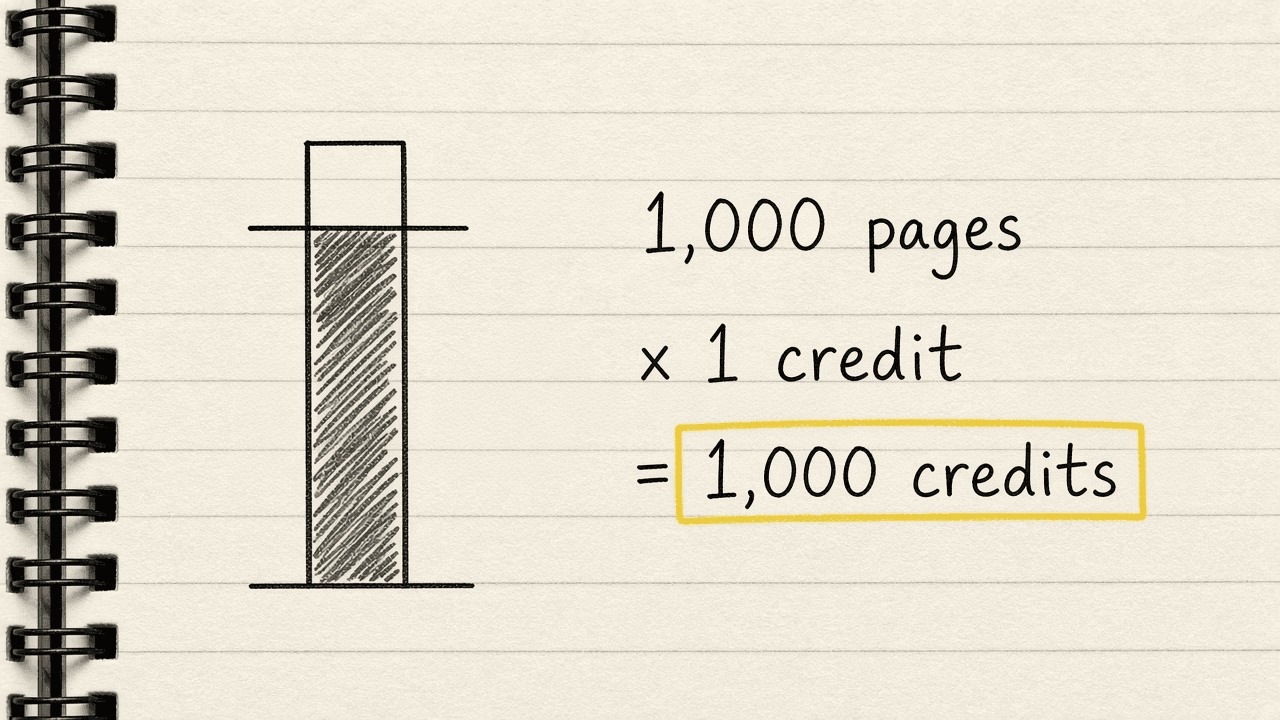
Free costs $0 a month, no card required, for 1,000 credits a month. A basic scrape costs 1 credit a page. The math: 1,000 pages × 1 credit a page = 1,000 credits. That is the entire Free allowance, spent in one stretch for $0.
Sign in or add an API key, and that balance moves onto the same ladder that prices Firecrawl’s web product. Hobby, the first paid plan, costs $19 a month billed monthly for 5,000 credits a month. Standard, Growth and Scale add more credits for more money, and every paid plan costs less billed yearly.
A star count is not a bill
Firecrawl’s MCP server lives in an open-source repository with 7.7k stars and 920 forks. It also has 101 open issues and 81 open pull requests, under the MIT license, read October 28, 2026. Firecrawl describes the project as a context API for AI agents that can search, scrape, and interact with the web, plus parse, crawl, map, run a research agent, and monitor pages for changes.
A star count tracks developer interest in the open code. It does not track how much any one team spends to run the hosted server. That spend is set by the credit ladder above. GitHub does not set it.
One of the organic results Google does return for “firecrawl mcp” is a listing on glama.ai, a third-party directory that hosts its own copy of the server’s page. That listing is not Firecrawl’s own documentation. Read Firecrawl’s own MCP docs for setup steps instead.
A package rename that broke one setup
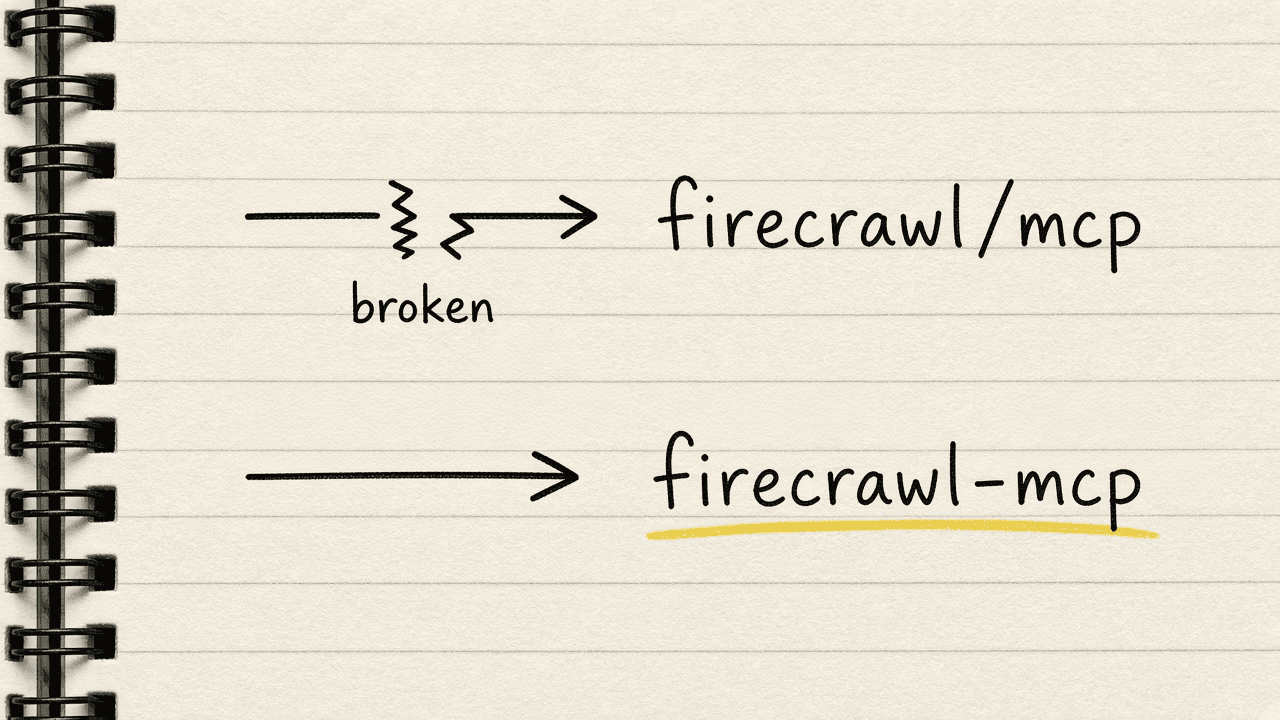
On April 10, 2026, @BuildWithAmine described on X a Cursor Composer agent that stopped working the moment Firecrawl renamed its package. The client’s mcp.json file still pointed at the old name, firecrawl/mcp, with a slash. npx returned a 404 error. Updating that one line to the new package name, firecrawl-mcp, with a hyphen, fixed it (post).
Where this sits next to other servers
Firecrawl’s server is one entry in a wider set of tools built for AI agents to use. For a fuller roundup, see the best MCP servers for GTM teams list. For a narrower list of search-only servers, see the web search MCP servers list. Firecrawl’s scrape tool also has a free, keyless alternative worth checking before paying for credits: see the Firecrawl vs Jina Reader comparison.
What to do next
If a Firecrawl account already exists for the web product, sign in or add that same API key to the MCP client. Credits count the same way on both paths. For only testing the idea, start with the keyless option, no account or API key, and remember it opens just 3 tools out of the 27. For an npm 404 error on a setup that used to work, open mcp.json and check for the old firecrawl/mcp package name.
Sources · Firecrawl MCP docs, October 28, 2026 · Firecrawl MCP Server GitHub repo, October 28, 2026 · Firecrawl pricing, October 28, 2026