

November 14, 2026
Google reviews API · your own listing or anyone else’s
Visit SearchApiUse Google’s Business Profile API for reviews on a verified listing you manage. Use SearchApi for public reviews of places you do not manage.
The short answer
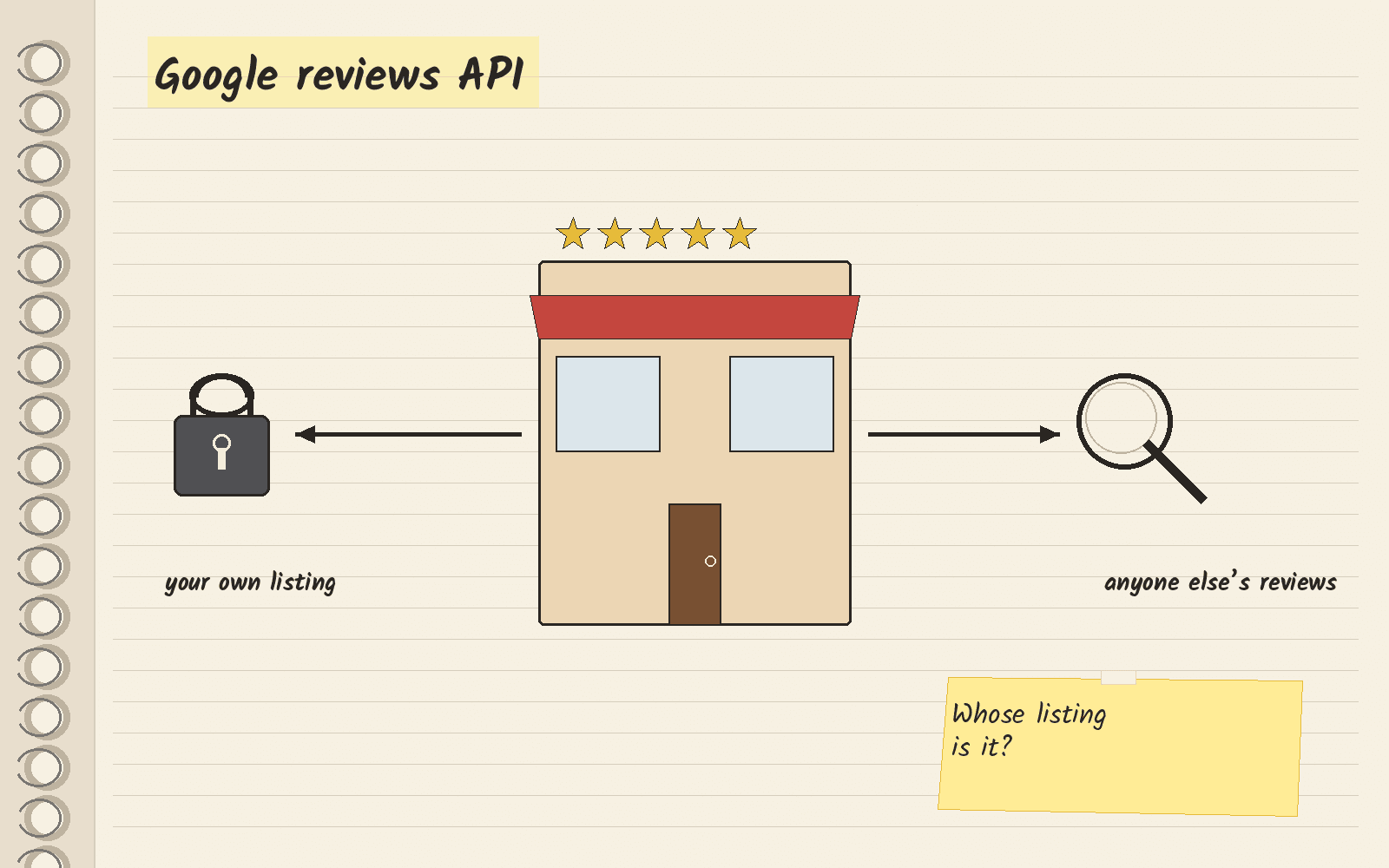
A reviews API lets your code pull Google reviews as data, so you do not copy them by hand. Google has no single reviews API that works for every business. Which one you use depends on whose listing it is.
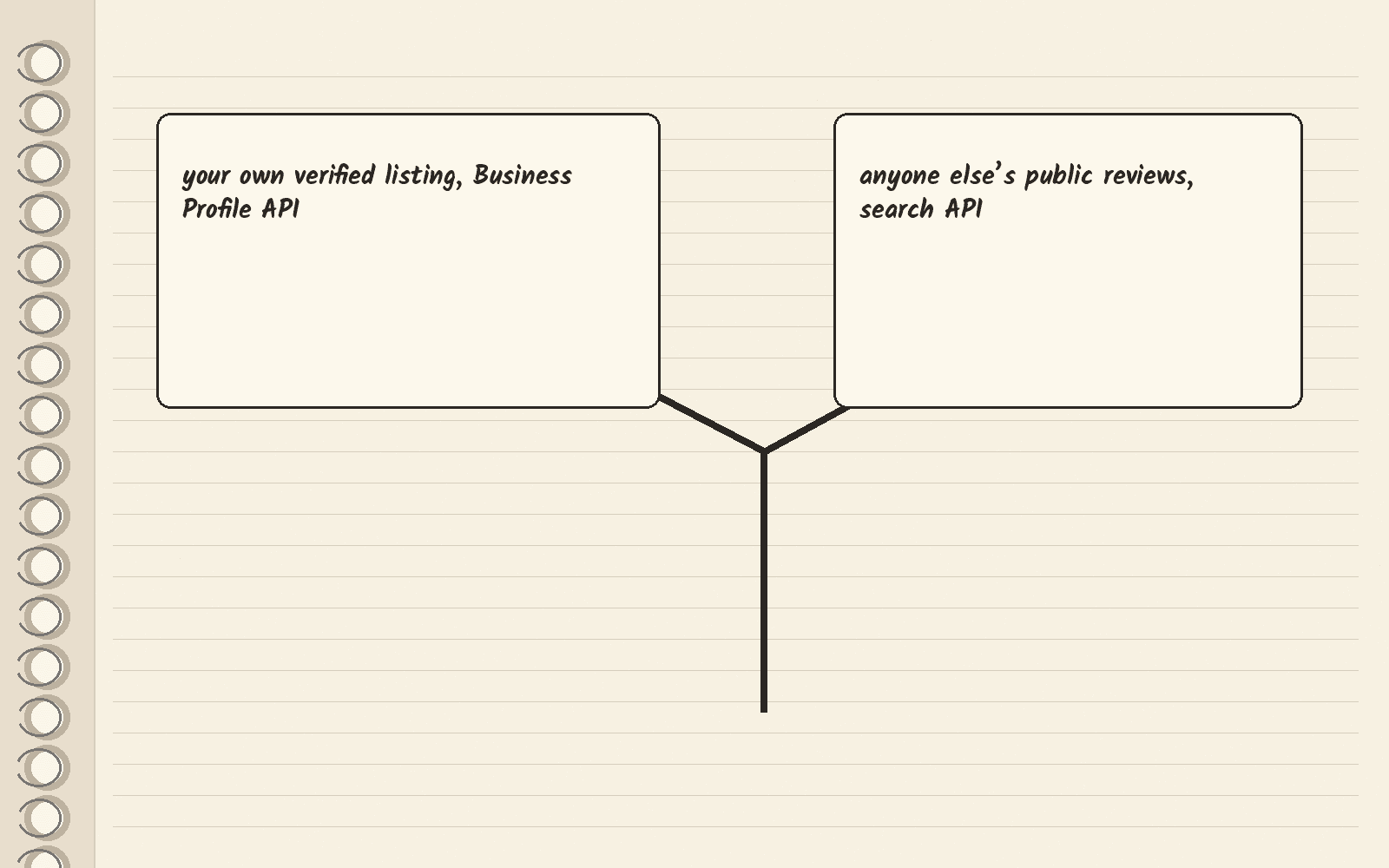
If the listing is yours, use Google’s Business Profile API. A verified location is a listing whose owner has confirmed it with Google. Google’s reviews list method says, “This operation is only valid if the specified location is verified.”
If you need public reviews for places you do not manage, pick SearchApi. SearchApi’s pricing page gives you 100 free requests with no credit card. After that, its Developer plan is $40 a month for 10,000 searches. It charges only for successful searches, the ones that come back with a 200 status code, which means the request worked.
Reviews on your own listing
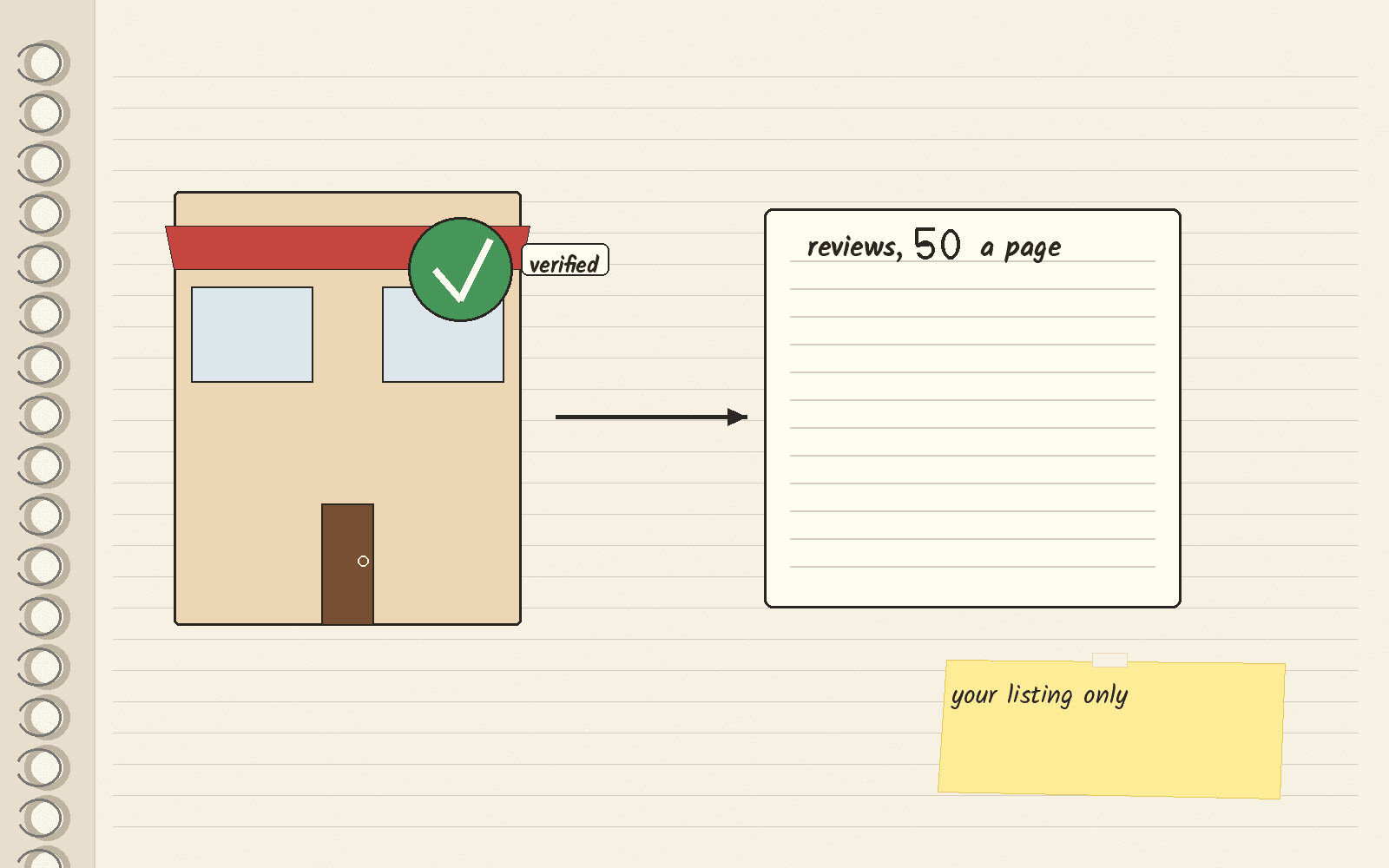
Google’s reviews list method returns the reviews for one location, one page at a time. It says the maximum page size is 50 reviews. It needs OAuth, a sign-in step where the listing’s owner lets your app act for them. The same section of the docs has methods to reply to a review and delete a reply.
The method page shows no price per call. What you need is access to the listing, not a paid plan.
Public reviews for any place
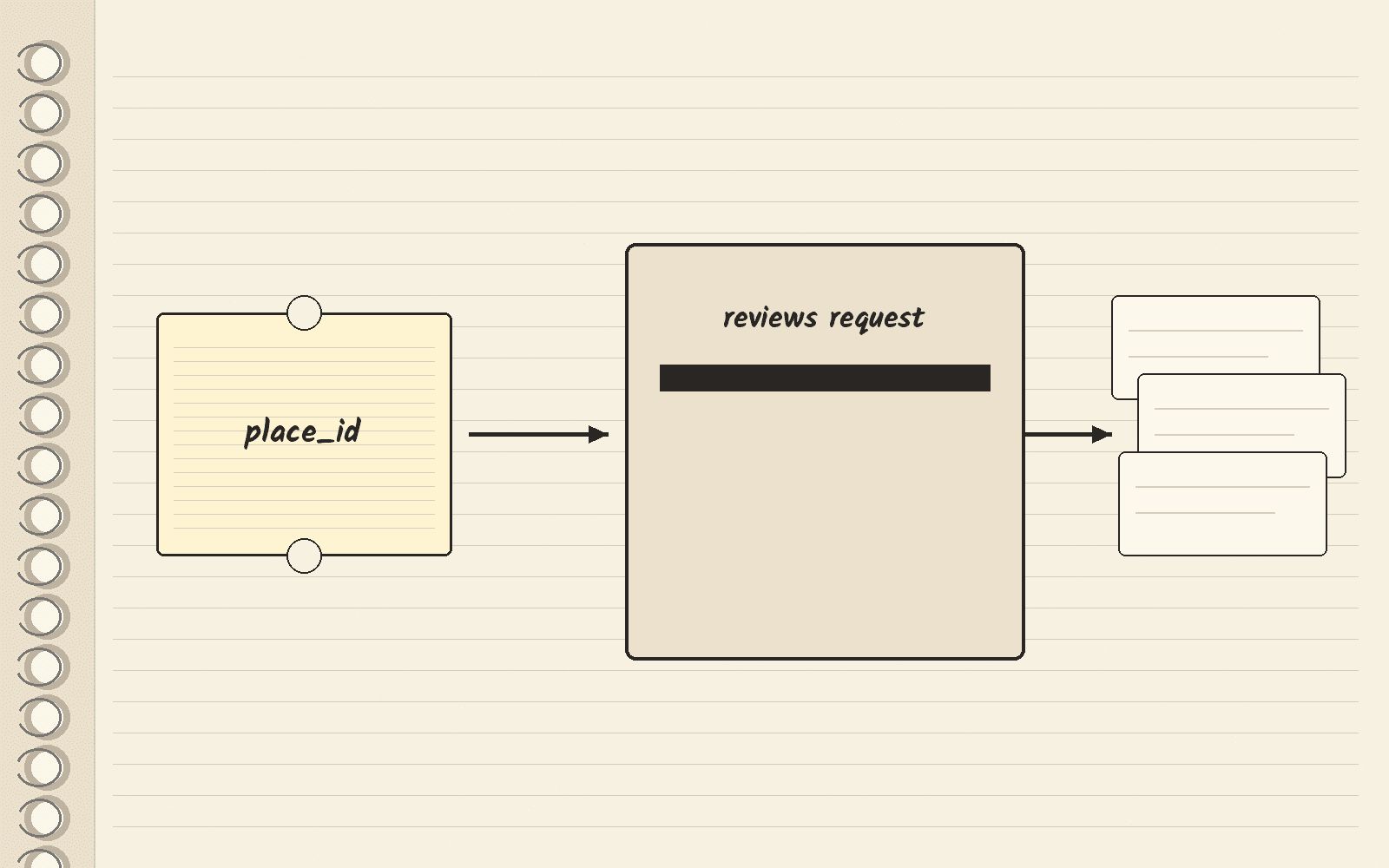
SearchApi’s Google Maps Reviews docs set the engine to google_maps_reviews. You send a place_id, the ID Google Maps gives each place, or a data_id, another Maps ID for the same place. The docs say you can get a place_id from the Google Maps API. The Google Maps scrapers guide covers other ways to find one.
You can sort reviews and filter them by topic. If you used the older numeric topic IDs, the docs say topic_id no longer accepts them.
The docs show no separate reviews price.
What SearchApi costs
SearchApi’s pricing page has two sets of monthly plans, Regular and High Volume. It also caps each hour at 20% of your plan’s credits.
| Plan | Price | Searches a month | Price per 1,000 searches |
|---|---|---|---|
| Developer | $40 a month | 10,000 | $4 |
| Production | $100 a month | 35,000 | $3 |
| BigData | $250 a month | 100,000 | $2.5 |
| Scale | $500 a month | 250,000 | $2 |
| Octo 500K | $900 a month | 500,000 | $1.8 |
| Octo 1M | $1,500 a month | 1,000,000 | $1.5 |
| Octo 2M | $2,800 a month | 2,000,000 | $1.4 |
| Octo 5M | $5,000 a month | 5,000,000 | $1 |
The math: BigData is $250 a month for 100,000 searches. That works out to $2.5 per 1,000 searches ($250 divided by 100).
Google’s Places API
Google’s Places API is another official path. Its Place Details docs say the reviews field returns up to five reviews per place, along with an AI summary of reviews. Asking for reviews puts the call in a billing tier Google calls Place Details Enterprise + Atmosphere. That fits showing a few reviews next to a place, not pulling every review.
Other review tools
Outscraper is a scraping service that also pulls Google reviews. The Outscraper pricing guide explains its plans, and the Outscraper review covers the product. Before you store or republish other businesses’ reviews, read Google’s terms and get your own legal advice.
Three pages rank for this search. Google’s review data guide is the official page for your own listing. Prisma Reviews’ guide is third-party and splits the official paths. WebScrap’s guide comes from a scraping vendor that ranks itself.
What to do this week
Write down whose reviews you need. If it is your own listing, start with Google’s reviews list method and set up OAuth for your account. If it is someone else’s public reviews, find one place_id, then open SearchApi and run one reviews request on the 100 free requests. The button below opens SearchApi’s homepage, not the reviews docs.
Next · SearchApi review covers the whole product · Google Maps scrapers ranks Maps data tools · Outscraper pricing covers one review vendor.
Sources · Google Business Profile reviews list, viewed November 14, 2026 · SearchApi pricing, viewed November 14, 2026 · SearchApi Google Maps Reviews docs, viewed November 14, 2026 · Google Places API Place Details, viewed November 14, 2026 · Google review data guide, viewed November 14, 2026 · Prisma Reviews guide, viewed November 14, 2026 · WebScrap guide, viewed November 14, 2026
Related
- YouTube transcript API · free library or a paid search API
- People Data Labs alternatives · pick by the job you need
- Cheapest SERP API · real bills at 10k, 100k and 1M searches
- SearchApi
- Bing Search API alternatives · the API retired in 2025
- Best Bright Data alternatives · Firecrawl for clean page text, and when to stay on Bright Data