

November 14, 2026
YouTube transcript API · free library or a paid search API
Visit SearchApiPull a public YouTube video’s transcript with a free Python library first. Move to SearchApi when YouTube blocks your server or you need volume.
The short answer
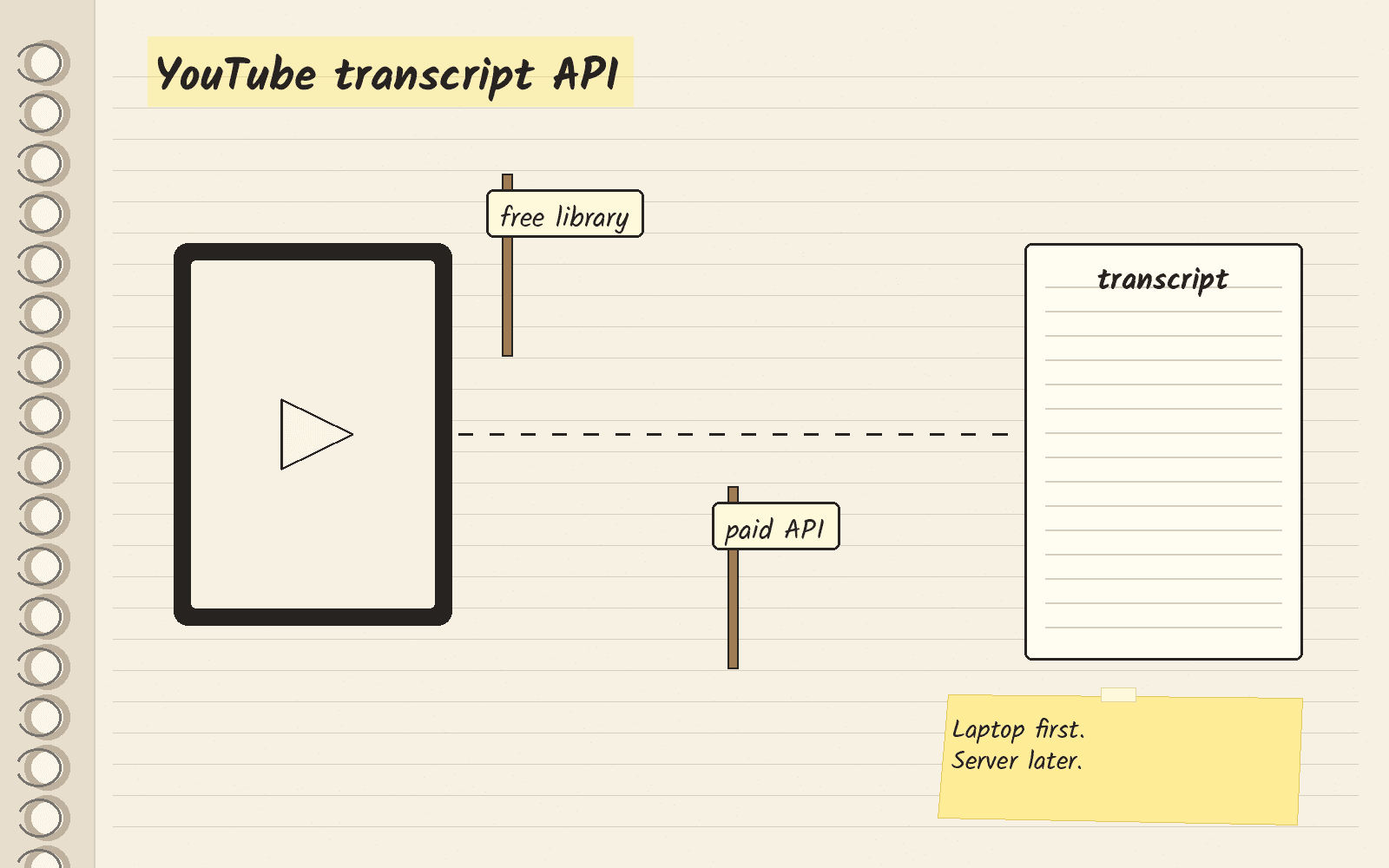
A transcript is the text of what people say in a video. An API is a way for your code to ask a service for data and get it back in a fixed format. If you want transcripts of public YouTube videos in your own code, start with the free youtube-transcript-api library. A library is a package of code you add to your own script. Its page on PyPI, the main site for Python packages, lists version 1.2.5 under the MIT license, which lets you use it for free.
Pick SearchApi when YouTube blocks the free library on your server, or when you need many transcripts every day. SearchApi’s pricing page gives you 100 free requests with no credit card. After that, its Developer plan is $40 a month for 10,000 searches. It charges only for successful searches, the ones that come back with a 200 status code, which means the request worked.
When the free library is enough
The library’s PyPI page says it gets the transcript or subtitles for a given video, works with auto-generated subtitles and can translate them. It runs in Python, and you install it with one command in pip, the Python package installer.
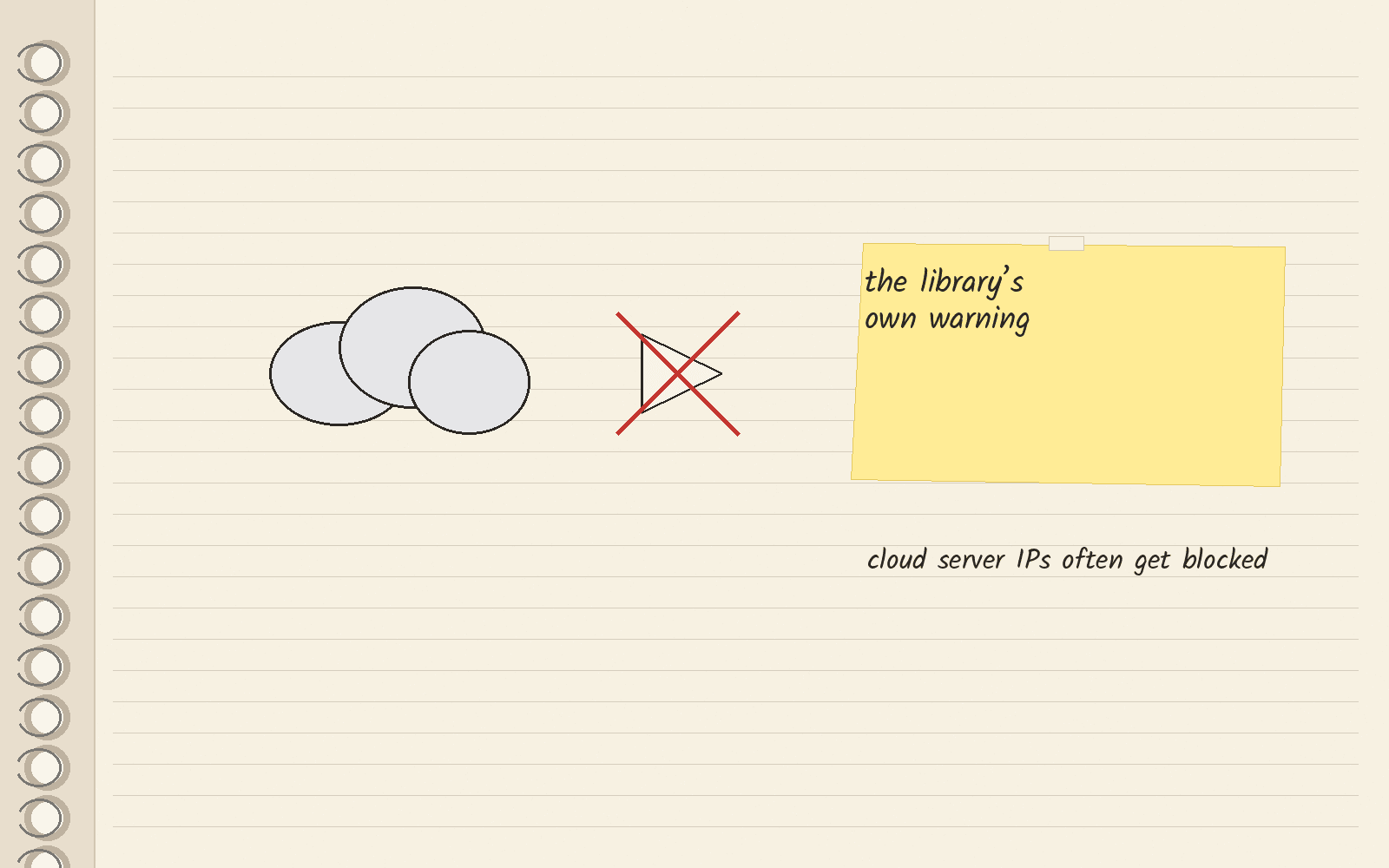
The same page warns about blocks. An IP address is the number that identifies a machine online, and the page says YouTube “has started blocking most IPs that are known to belong to cloud providers (like AWS, Google Cloud Platform, Azure, etc.)”. It adds that your own server’s IP can get blocked too “if you are doing too many requests.” Its fix is to send requests through proxies, middle servers that send your requests from a different IP address, and it also warns that YouTube can block a proxy’s IP as well.
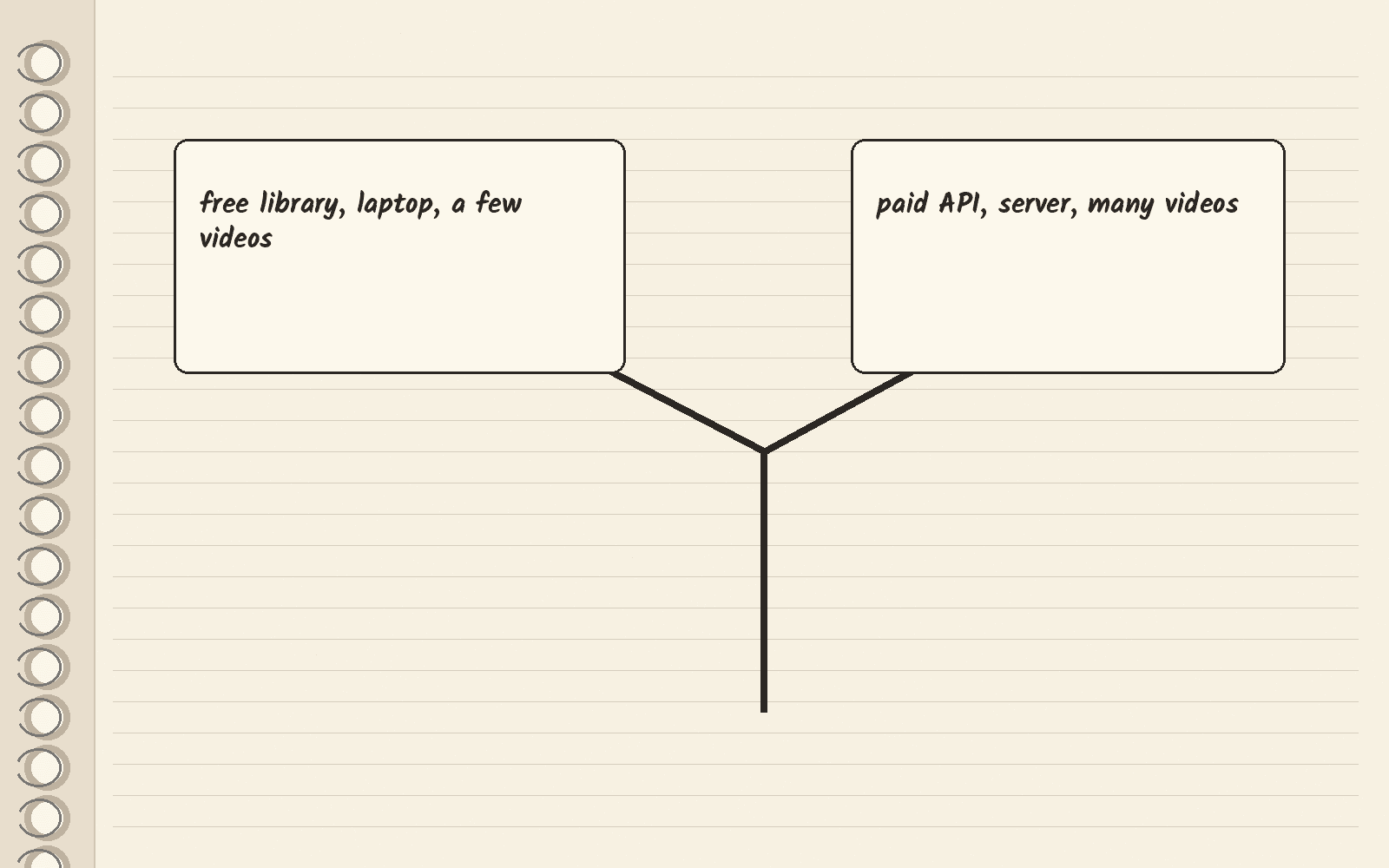
So the library fits a script on your laptop that pulls a few videos. A paid API fits a server that pulls many videos on a schedule.
How a SearchApi transcript request works
SearchApi’s YouTube Transcripts docs set the engine to youtube_transcripts. You send a video_id, the short code after v= in a YouTube watch link. It also takes a full YouTube link, including shorts, embed and live links, and youtu.be share links. The optional lang setting picks the language.
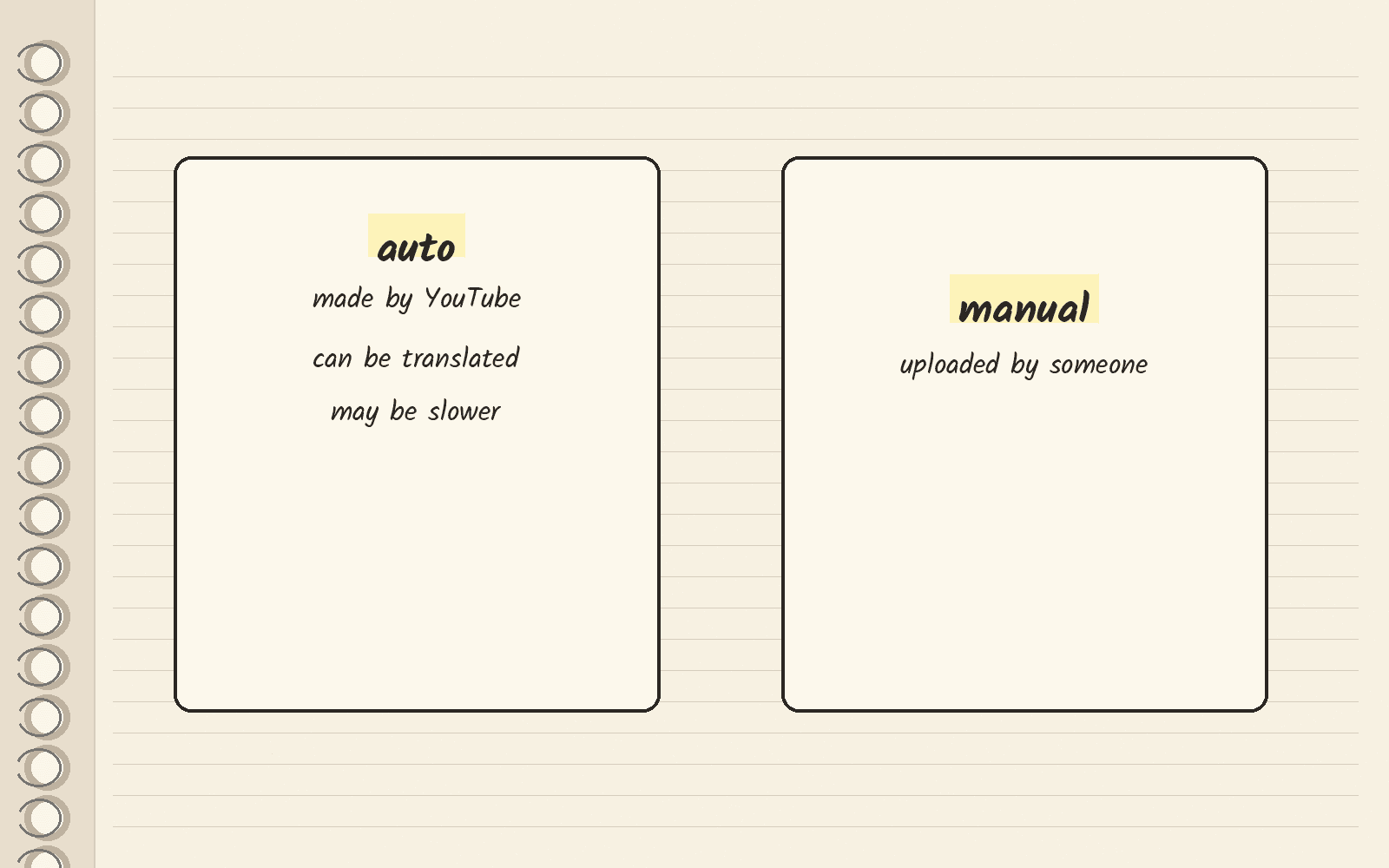
Captions are the timed text that plays under a video. The optional transcript_type setting picks auto or manual captions. Auto captions are the ones YouTube makes itself. Manual captions are the ones someone uploaded. The docs say auto “can be translated into any language, but retrieval may be slower compared to manual transcripts.”
The docs list no separate price for transcripts.
What SearchApi costs
SearchApi’s pricing page has two sets of monthly plans, Regular and High Volume. It also caps each hour at 20% of your plan’s credits.
| Plan | Price | Searches a month | Price per 1,000 searches |
|---|---|---|---|
| Developer | $40 a month | 10,000 | $4 |
| Production | $100 a month | 35,000 | $3 |
| BigData | $250 a month | 100,000 | $2.5 |
| Scale | $500 a month | 250,000 | $2 |
| Octo 500K | $900 a month | 500,000 | $1.8 |
| Octo 1M | $1,500 a month | 1,000,000 | $1.5 |
| Octo 2M | $2,800 a month | 2,000,000 | $1.4 |
| Octo 5M | $5,000 a month | 5,000,000 | $1 |
The math: Developer is $40 a month for 10,000 searches. That works out to $4 per 1,000 searches ($40 divided by 10).
The official YouTube captions method
YouTube’s own Data API has a method to download a caption track. Its reference page says, “This method requires the user to have permission to edit the video.” So it fits videos on a channel you can edit, and the library or SearchApi fits public videos from other channels.
If you need to search YouTube for videos, not pull their text, read the YouTube search API guide.
Other transcript APIs you will see
Three pages rank for this search. Skip the Watch’s guide is a third-party guide that splits official and unofficial routes. Transcribr’s comparison comes from a transcript vendor. YouTube Video Transcript’s list also comes from a vendor and has a long table of paid APIs.
What to do this week
Install the free library and pull one transcript on your laptop. If that is all you need, stay there. If your server starts getting RequestBlocked or IpBlocked errors, open SearchApi and run one transcript request with a video_id on the 100 free requests. The button below opens SearchApi’s homepage, not the transcript docs.
Next · SearchApi review covers the whole product · SearchApi vs SerpApi compares the two search APIs · Web search APIs ranks other options.
Sources · youtube-transcript-api on PyPI, viewed November 14, 2026 · SearchApi pricing, viewed November 14, 2026 · SearchApi YouTube Transcripts docs, viewed November 14, 2026 · YouTube Data API captions download, viewed November 14, 2026 · Skip the Watch guide, viewed November 14, 2026 · Transcribr comparison, viewed November 14, 2026 · YouTube Video Transcript list, viewed November 14, 2026
Related
- People Data Labs alternatives · pick by the job you need
- Proxies for web scraping · which type to use and when
- Google reviews API · your own listing or anyone else’s
- Cheapest SERP API · real bills at 10k, 100k and 1M searches
- SearchApi
- Bing Search API alternatives · the API retired in 2025
- Best Bright Data alternatives · Firecrawl for clean page text, and when to stay on Bright Data