

November 13, 2026
Proxies for web scraping · which type to use and when
Visit Bright DataPick a proxy type by how hard the site blocks you. Start at Bright Data’s proxy services page, or use a scraper API if you only want the data.
The short answer
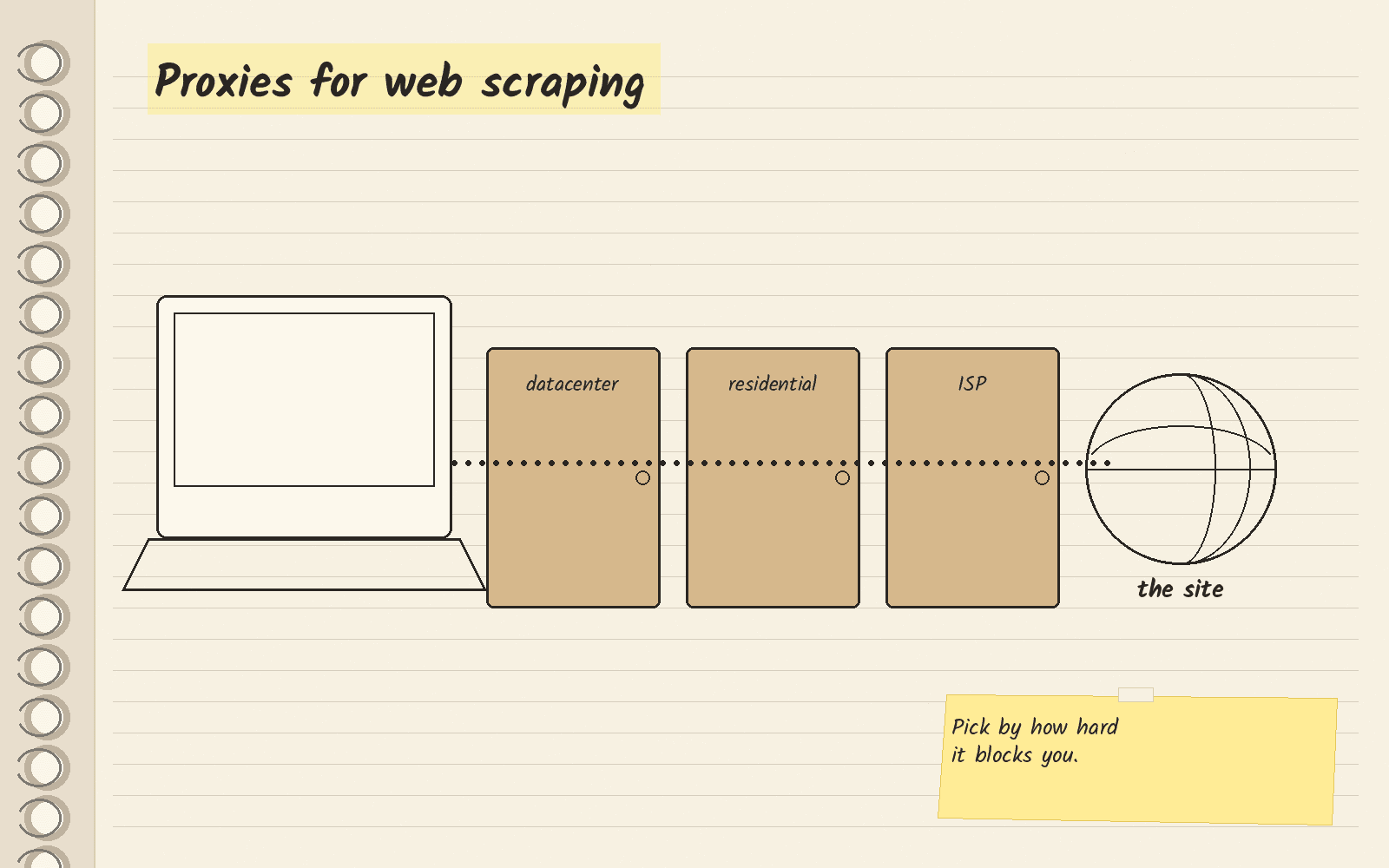
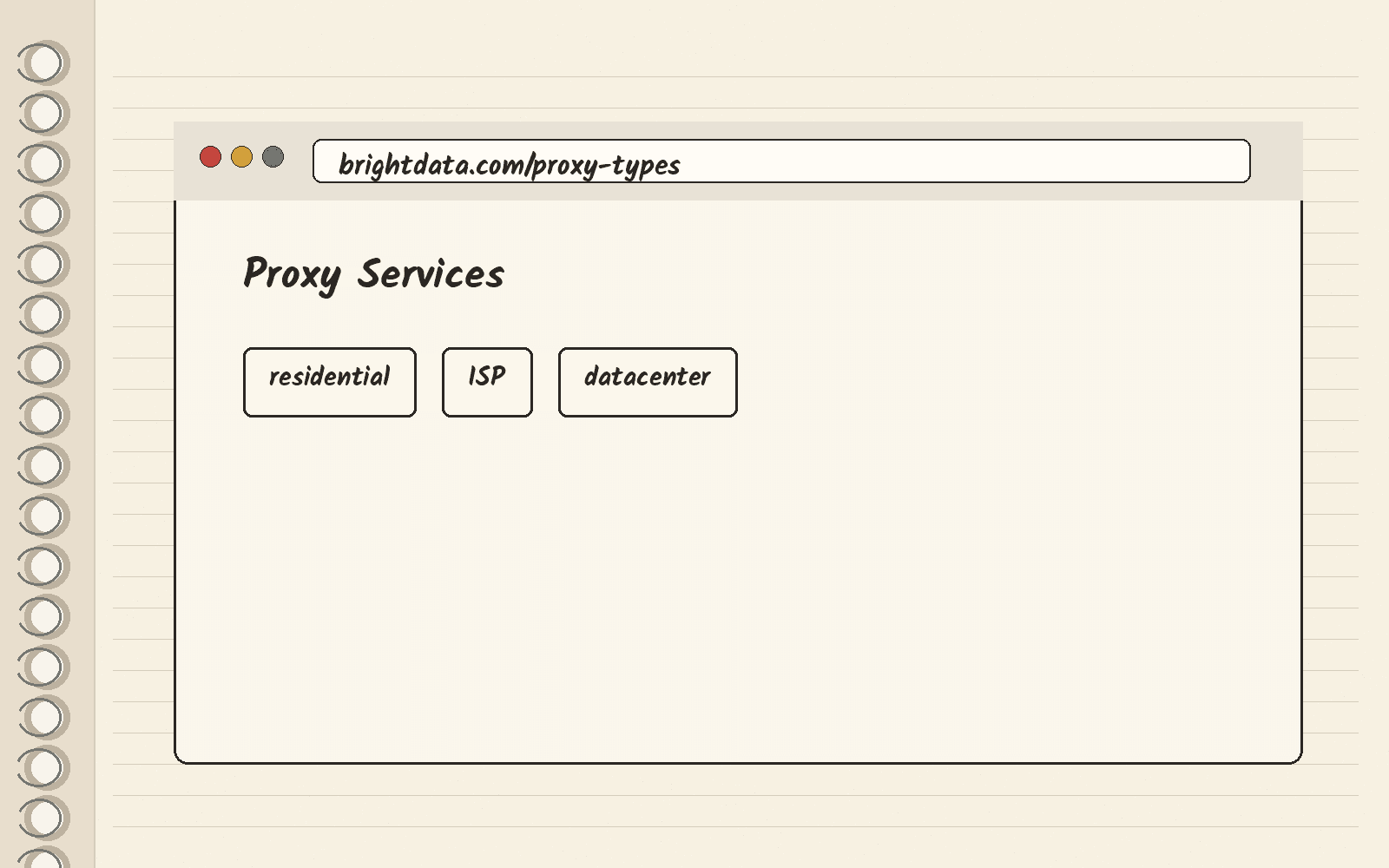
A proxy is a middle server that sends your scraper’s requests from a different IP address, so the website sees the proxy and not you. If you run a scraper and need to pick a proxy type, start with Bright Data. Its proxy services page lists residential, ISP and datacenter proxies in one place.
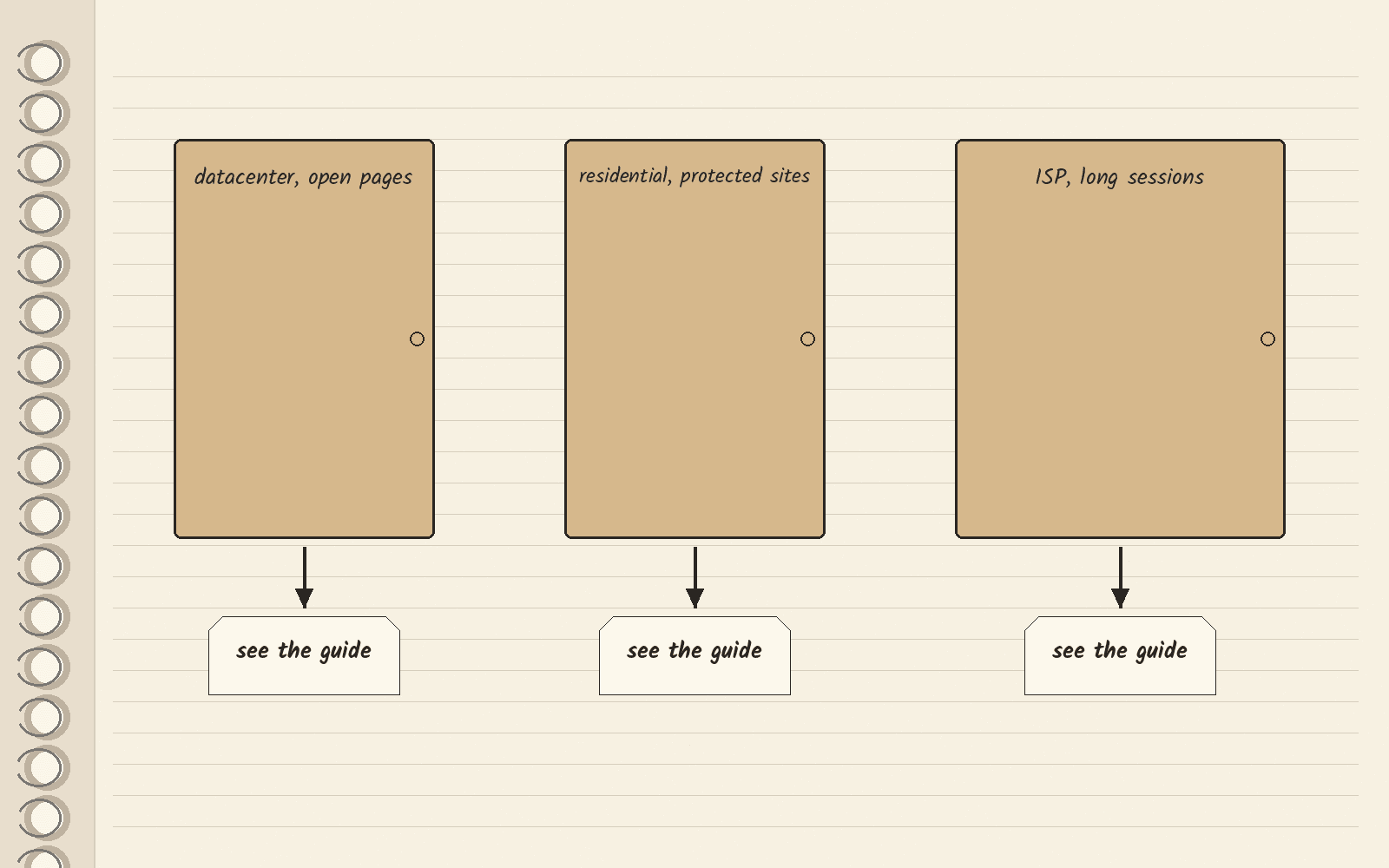
Pick the type by how hard the site blocks you. Use datacenter proxies for open pages, residential proxies for protected sites, and ISP proxies when a long session needs the same address the whole time. If you only want the data and not the proxies, use a managed scraper API.
Raw proxies or a managed scraper API
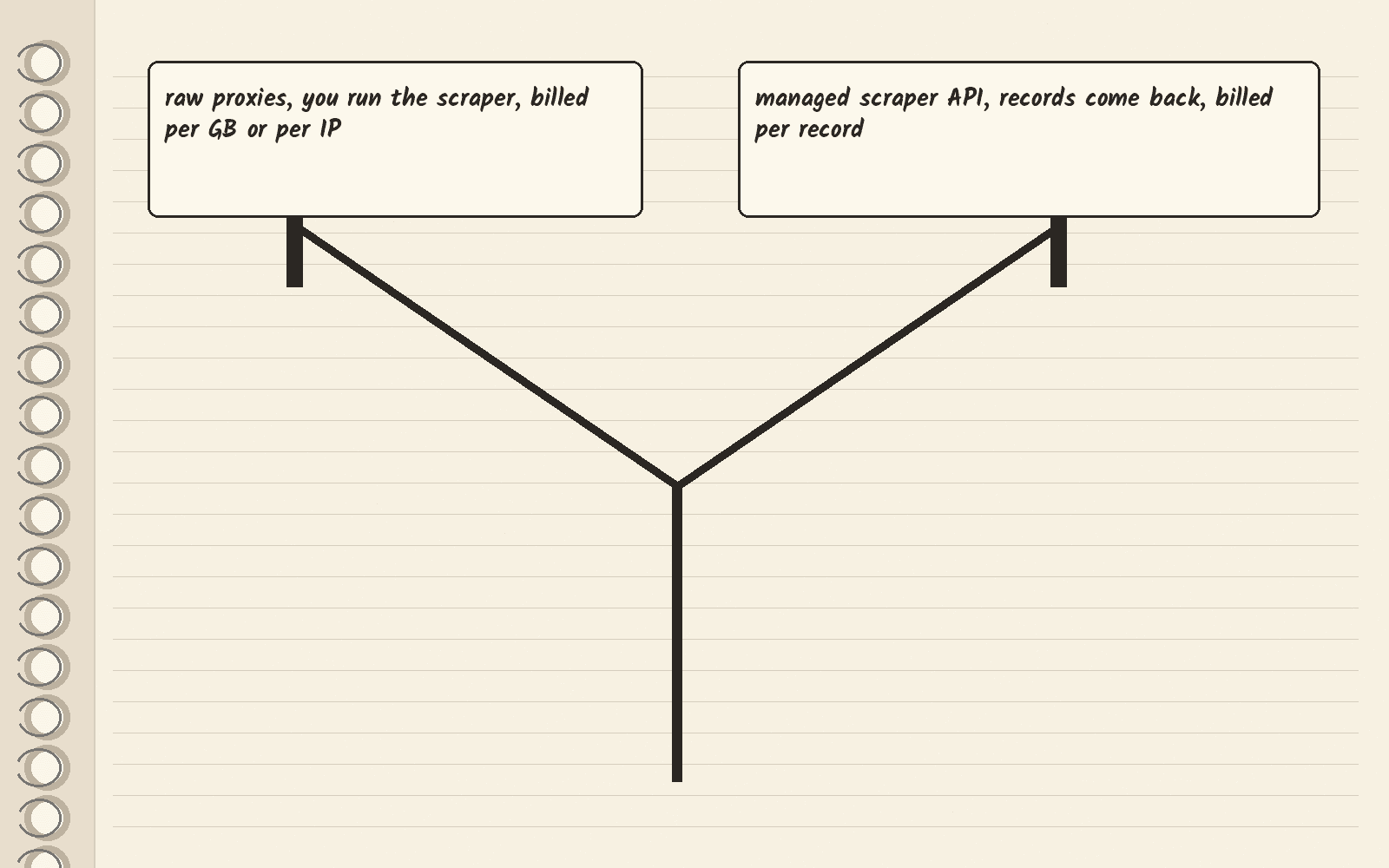
With raw proxies, you run the scraper yourself and pay for traffic or addresses. TrustMyIP’s guide, a third-party review, says scraper proxies are billed per gigabyte for residential, mobile and rotating datacenter proxies, and per IP a month for static datacenter and ISP proxies.
A managed scraper API runs the scraping for you and sends back records. A record is one structured result, such as one product or one profile. Bright Data’s scraper API pricing page lists two plans. The free plan covers up to 5,000 records a month with no card. The pay as you go plan charges $1.50 per 1,000 records. It says that bill covers proxies, unblocking and parsing. Pick this if you want the data in a file and do not want to manage proxies.
The math: say you need 20,000 records in a month. That is more than the free plan covers, so you would be on pay as you go. At $1.50 per 1,000 records, 20,000 records cost $30.00 (20 times $1.50).
Which proxy type fits which site
A datacenter proxy uses an IP address from a server in a data center. A residential proxy uses an IP address from a home internet connection. An ISP proxy, also called a static residential proxy, gives you one stable address with a home internet provider label.
TrustMyIP’s guide matches each type to a kind of site:
| Site you scrape | Proxy type | Why |
|---|---|---|
| Public pages with no bot defenses | Datacenter | Fastest and cheapest, but fails where sites filter data center addresses |
| Retailers, marketplaces, travel and other protected sites | Residential | The IPs belong to home connections, not hosting networks |
| Multi-step flows on your own accounts, long sessions | ISP | One stable address with a home internet provider label |
Bright Data’s proxy services page lists residential, datacenter and ISP proxies, and says it has more than 400M monthly proxy IPs from 195 countries.
Once you know the type, compare vendors on the matching guide: residential proxies, ISP proxies or datacenter proxies.
If your scraper keeps getting blocked
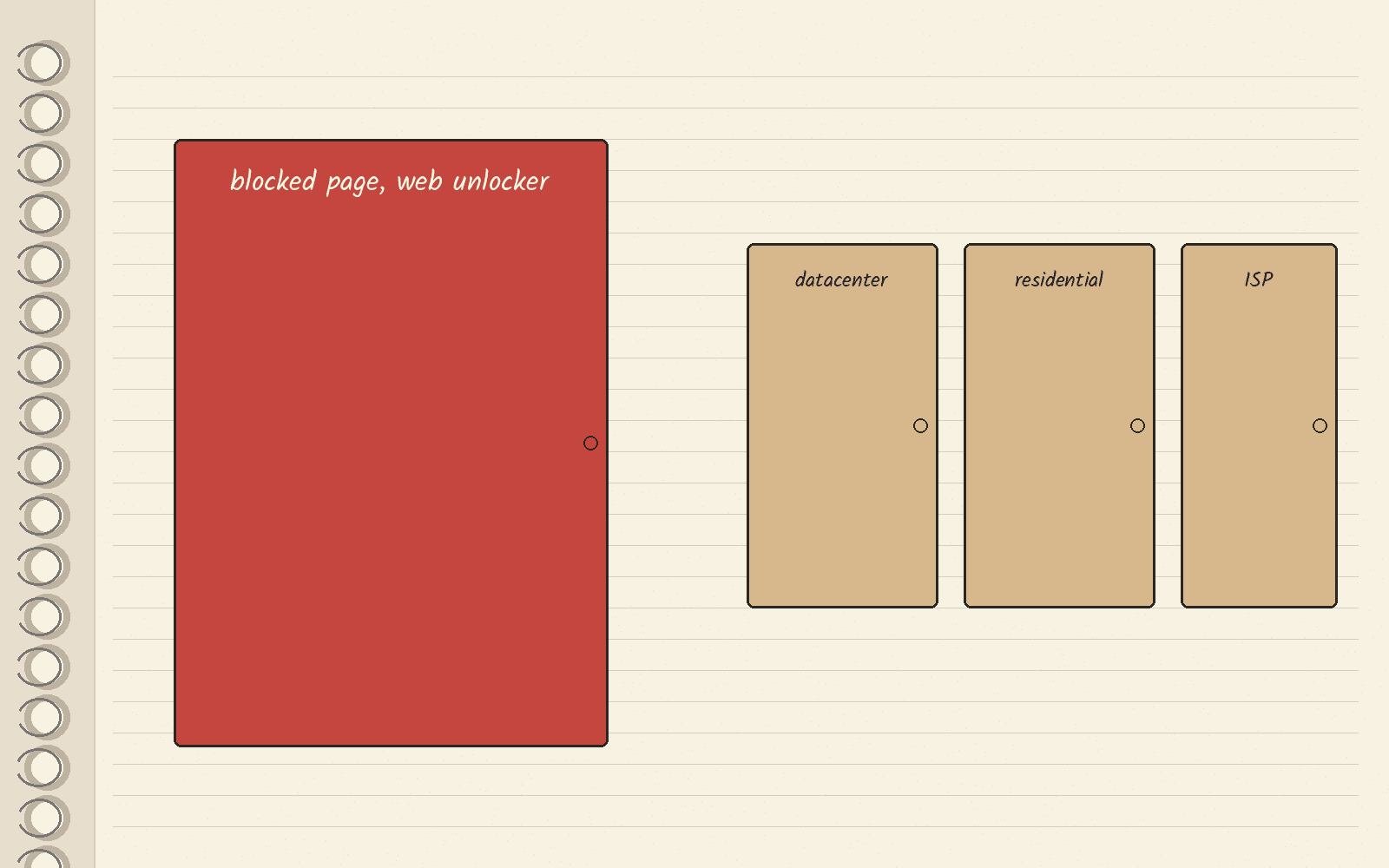
A web unlocker is a service that handles blocks and CAPTCHAs for you and returns the page. If your problem is blocked pages, not which proxy type to buy, read the web unlocker guide.
TrustMyIP’s guide adds one check first. If your success rate stays low even on residential IPs, look at your request rate and the site’s terms, because the IP is often not the problem.
Other names you will see
Oxylabs and Decodo appear in the DataImpulse and TrustMyIP lists. TrustMyIP’s guide calls Oxylabs its pick for large-scale scraping and Decodo its best value. If you want clean page text for an AI tool, Firecrawl is a different kind of tool, and the AI web scrapers guide compares it with Bright Data.
The three lists that rank for this search read differently. DataImpulse’s list comes from a proxy vendor and puts DataImpulse first. TrustMyIP’s guide is third-party and says its prices were read on October 3, 2026. ScrapeOps’ list is third-party and sorts providers by workload.
What to do this week
List the sites your scraper hits and mark each one open, protected or behind a login. That list tells you which proxy type to buy. Then open Bright Data’s proxy services page and pick the matching type. The button below opens that page.
Next · Bright Data pricing covers its scraper plans · Bright Data review covers the whole product · Bright Data alternatives covers other vendors · Firecrawl vs Bright Data compares the two.
Sources · Bright Data proxy services, viewed November 13, 2026 · Bright Data scraper API pricing, viewed November 13, 2026 · TrustMyIP proxy guide, viewed November 13, 2026 · DataImpulse proxy list, viewed November 13, 2026 · ScrapeOps proxy list, viewed November 13, 2026
Related
- Apollo email finder · how it works and when to leave
- LinkedIn email finders · four ways to get a work email
- Firecrawl alternatives · self-host, search or blocked pages
- Web unlocker · what it does and what Bright Data charges
- Bright Data
- Best AI web scrapers · Firecrawl for clean page text, Bright Data for sites that block scrapers
- Best datacenter proxies · Bright Data for the largest pool, Decodo for the cheapest rate at volume