

November 12, 2026
LinkedIn email finders · four ways to get a work email
Visit AI ARKA LinkedIn email finder turns a profile into a work email. This guide shows when to use an extension, a name finder, a waterfall or an all-in-one tool.
The short answer
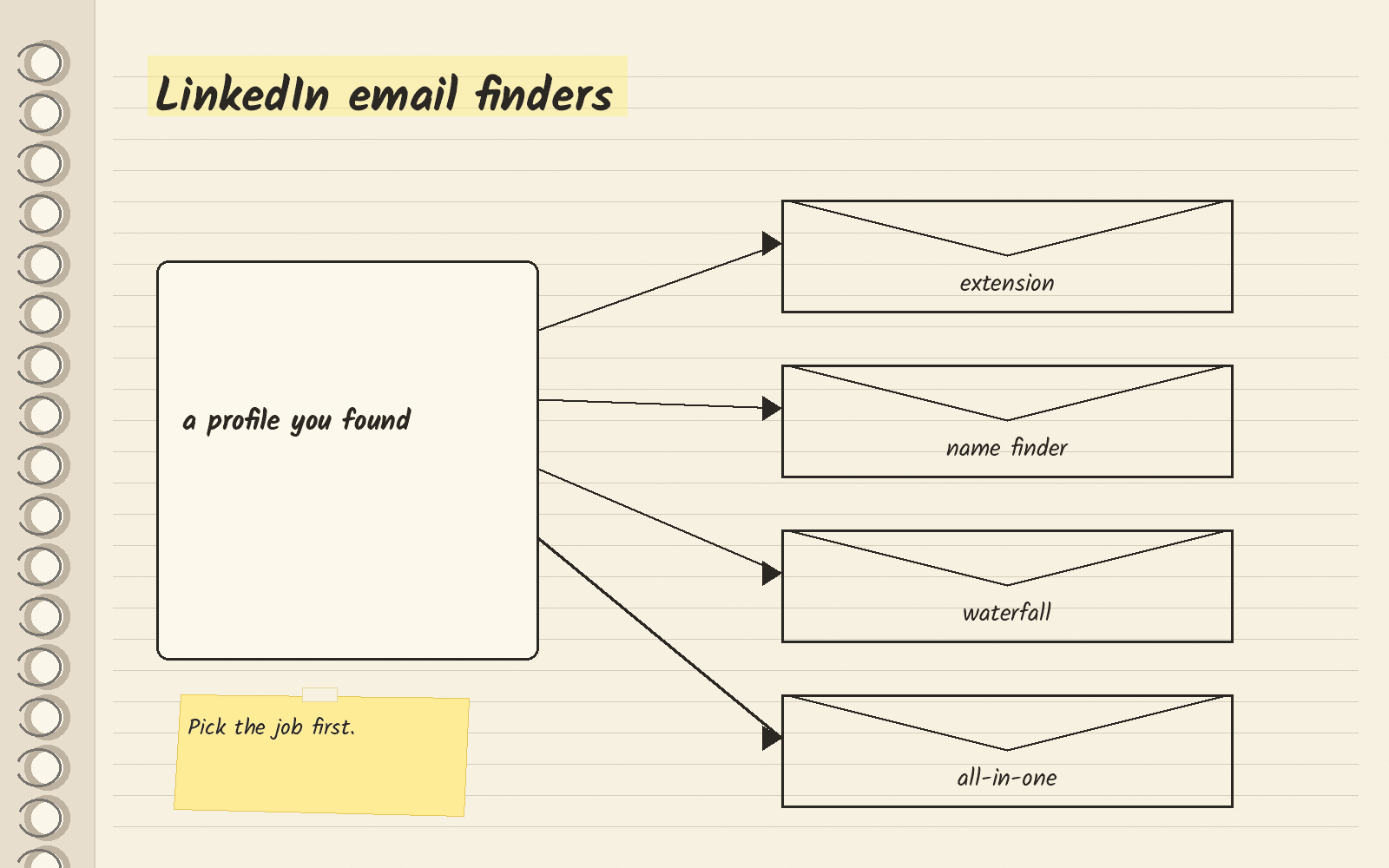
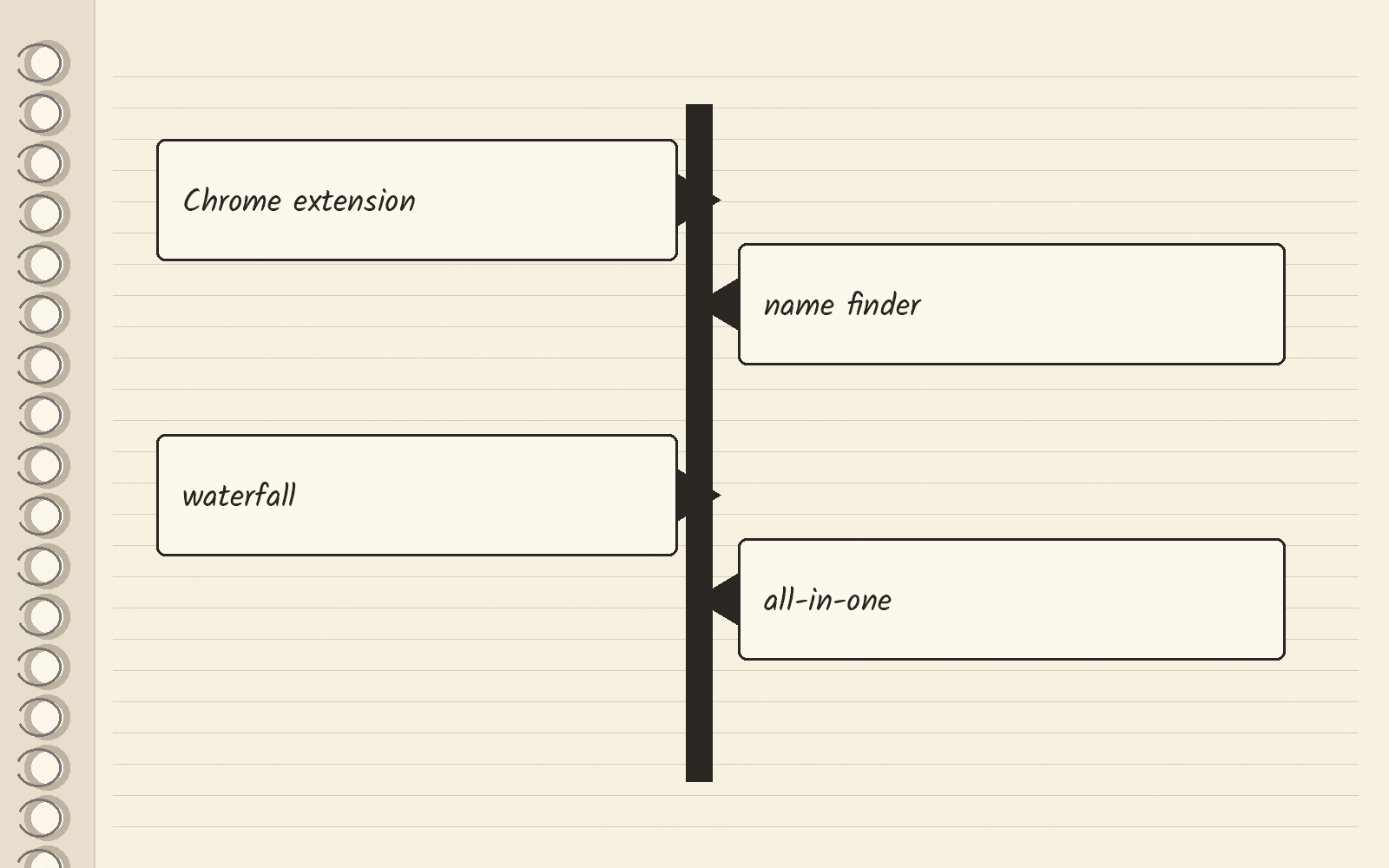
A LinkedIn email finder takes a person you found on LinkedIn and gives you their work email. Tools do this in four ways. A Chrome extension is a small add-on for the Chrome browser that reads the profile you have open. A name finder takes a name and a company that you paste in. A waterfall asks one data provider after another until one has an answer. An all-in-one tool finds the email and also sends your outreach from the same account.
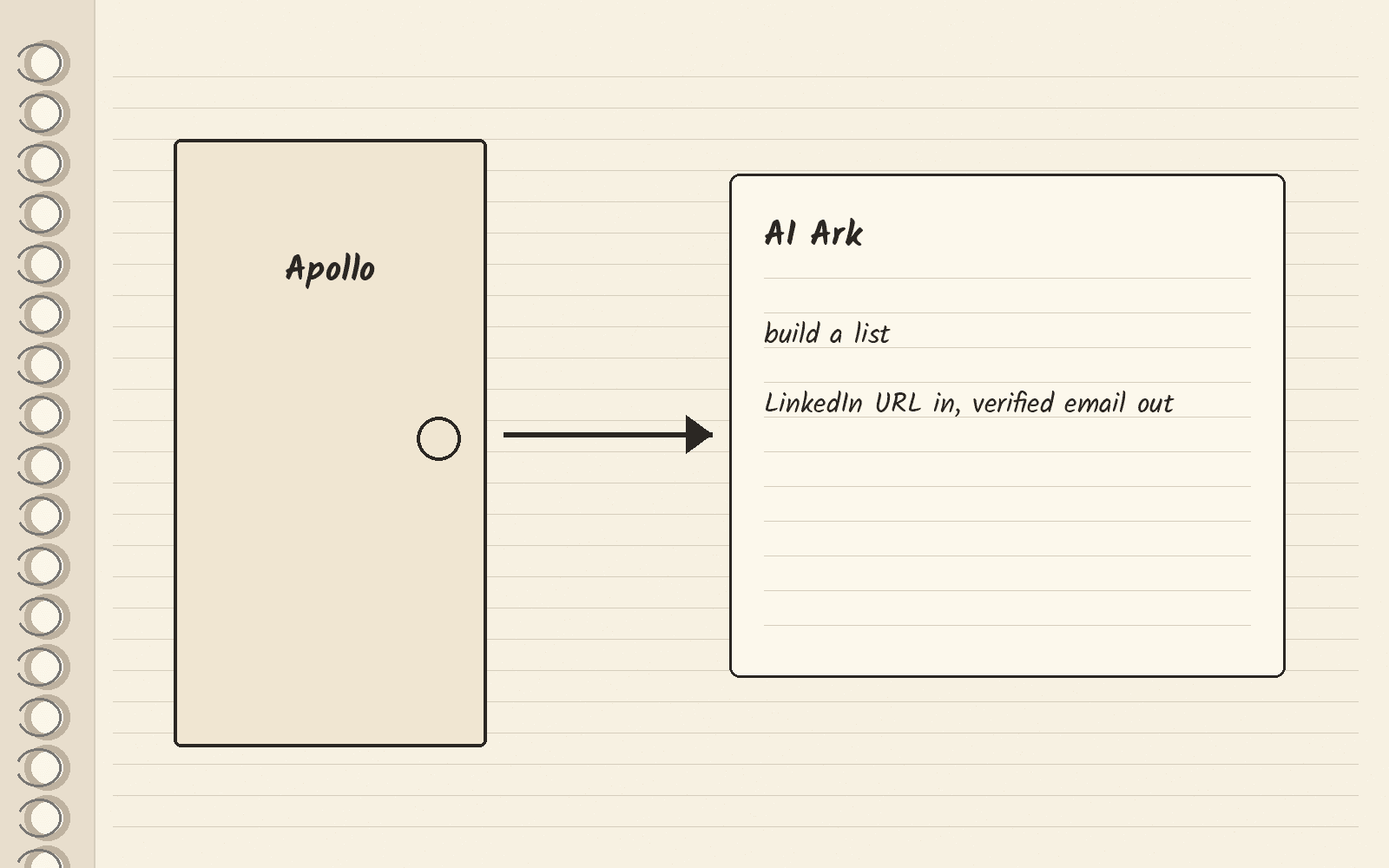
If you use Apollo today and want to leave it, pick AI Ark. It builds lists, and its API can turn one LinkedIn profile URL into a verified email. If you want to stay in Apollo, its free Chrome extension works on LinkedIn profiles. If you need mobile numbers, use FullEnrich’s waterfall.
Pick AI Ark if you are leaving Apollo
AI Ark is a B2B data tool, where B2B means you sell to businesses. AI Ark’s site lists AI People Search, AI Company Search and AI Similarity Search, plus an API for teams that want to call it from their own software. It fits list building, and it can also look up one person. AI Ark’s API docs say its single person export takes a person’s LinkedIn profile URL and returns the full person profile plus a verified email. The same page says a call that finds no valid email uses 0 credits.
The AI Ark pages read for this guide do not describe a LinkedIn extension, so that lookup runs through the API and not in your browser. AI Ark vs Apollo compares the two tools, and the AI Ark pricing guide covers its plans.
Use a Chrome extension to work one profile at a time
An extension fits when you browse LinkedIn and want the email for the profile on your screen. Apollo’s email finder page says its Chrome extension works directly on LinkedIn, and that the extension comes with Apollo’s free plan.
Sales Navigator is LinkedIn’s paid search tool for sales teams. Stork’s roundup of LinkedIn finders, a third-party roundup published November 1, 2026, says Snov.io, Lusha and Kaspr name Sales Navigator in their own docs. Hunter’s help center says Hunter cannot be integrated with LinkedIn, because LinkedIn’s Terms of Use prohibit the use of any extension on its website. Hunter’s Chrome extension guide says the extension does not search the page you are visiting. It returns the emails Hunter has indexed for the same domain name. Read LinkedIn’s terms for your own account before you install any extension.
If you like Hunter for other jobs, the Hunter alternatives guide covers other email finders. The Apollo Chrome extension guide walks through Apollo’s.
Use a name finder when you only have a name and company
A name finder fits when you copied a name and company from a profile and want the email later. Apollo’s email finder page says you can find a business email with just a person’s name and their company. The Email finders guide compares more tools of this kind.
Use a waterfall when you also need the mobile number
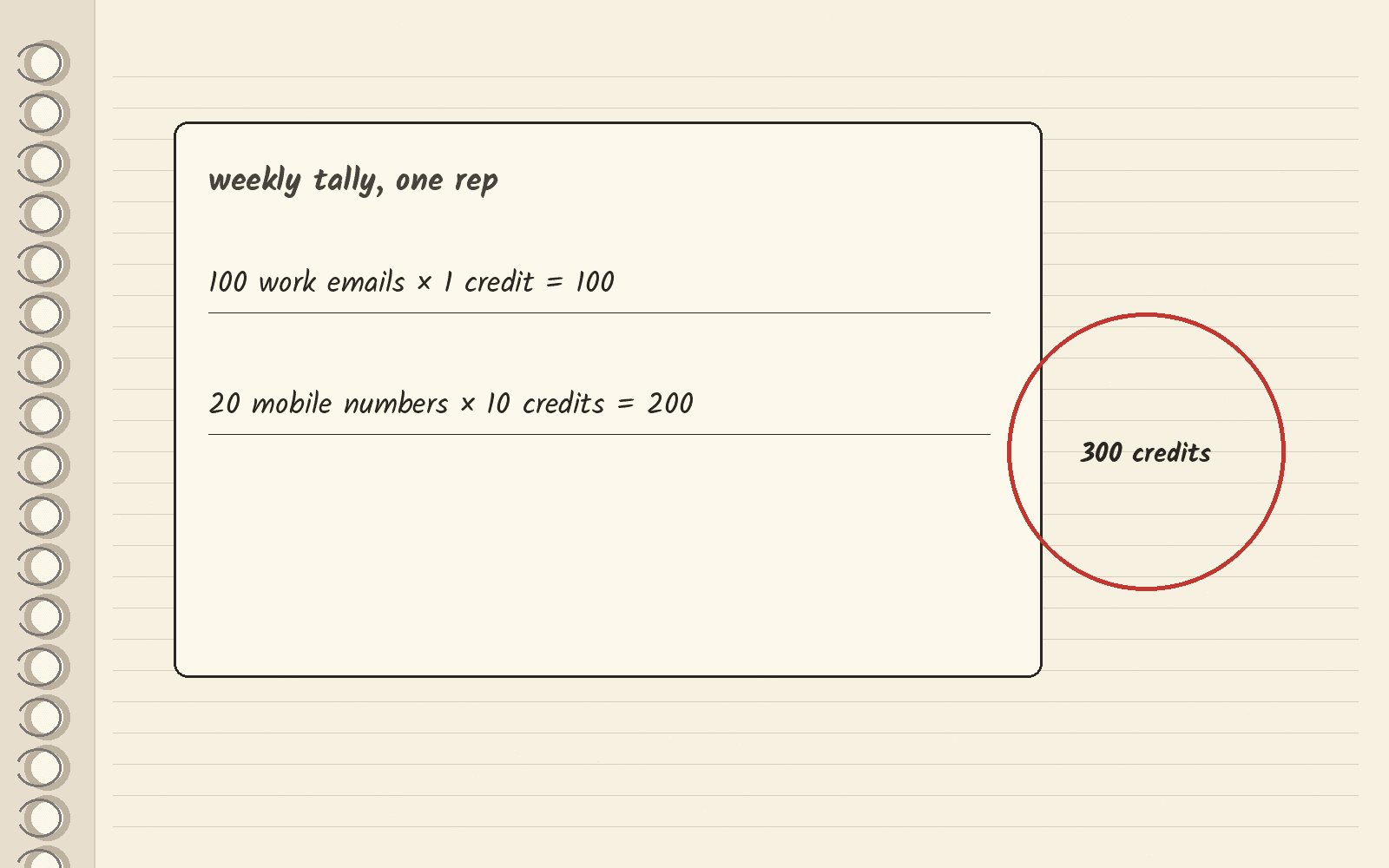
A single-source tool checks one database. A waterfall checks many in turn, so a miss at one provider can still find a match at the next. FullEnrich’s pricing page lists waterfall enrichment and prices each result in credits, the unit it counts down for each result. A work email costs 1 credit and a mobile number costs 10.
The math: say one person finds 100 work emails and 20 mobile numbers a week. That comes to 100 credits for the emails (100 times 1) and 200 credits for the mobiles (20 times 10), so 300 credits a week for one person.
Use an all-in-one tool when you want to send from the same place
An all-in-one tool finds the email and also runs your outreach. Apollo’s email finder page lists sequences, which are timed series of emails and calls, plus a parallel dialer for phone calls, next to the finder. Pick it if you want to find a contact and message them without moving the list to another tool.
The Apollo email finder guide covers how Apollo’s finder works and when to leave it. The Apollo alternatives guide covers other options.
What to do this week
Write down which of the four jobs you do most: one profile at a time, names in a sheet, mobile numbers or outreach from one tool. If you are leaving Apollo to build lists, open AI Ark and build one test list of the people you want to reach. The button below opens AI Ark’s homepage.
Next · AI Ark review covers the whole product · Email finders compares tools that start from a name · Waterfall enrichment tools compares more waterfalls.
Sources · AI Ark, viewed November 12, 2026 · AI Ark people export docs, viewed November 12, 2026 · Apollo email finder, viewed November 12, 2026 · FullEnrich pricing, viewed November 12, 2026 · Hunter LinkedIn help article, viewed November 12, 2026 · Hunter Chrome extension help article, viewed November 12, 2026 · Stork LinkedIn email finder roundup, published November 1, 2026, viewed November 12, 2026