

November 7, 2026
Beehiiv Ad Network · who can join and how you get paid
Visit BeehiivBeehiiv Ad Network needs a paid plan and Stripe setup. You earn on payable clicks or verified opens. The money lands in your Wallet, then you move it.
The short answer
Turn on the Beehiiv Ad Network if you already pay for a Beehiiv plan and send your newsletter on Beehiiv. If you are on the Free plan, the Ad Network is not open to you, so check the plans first.
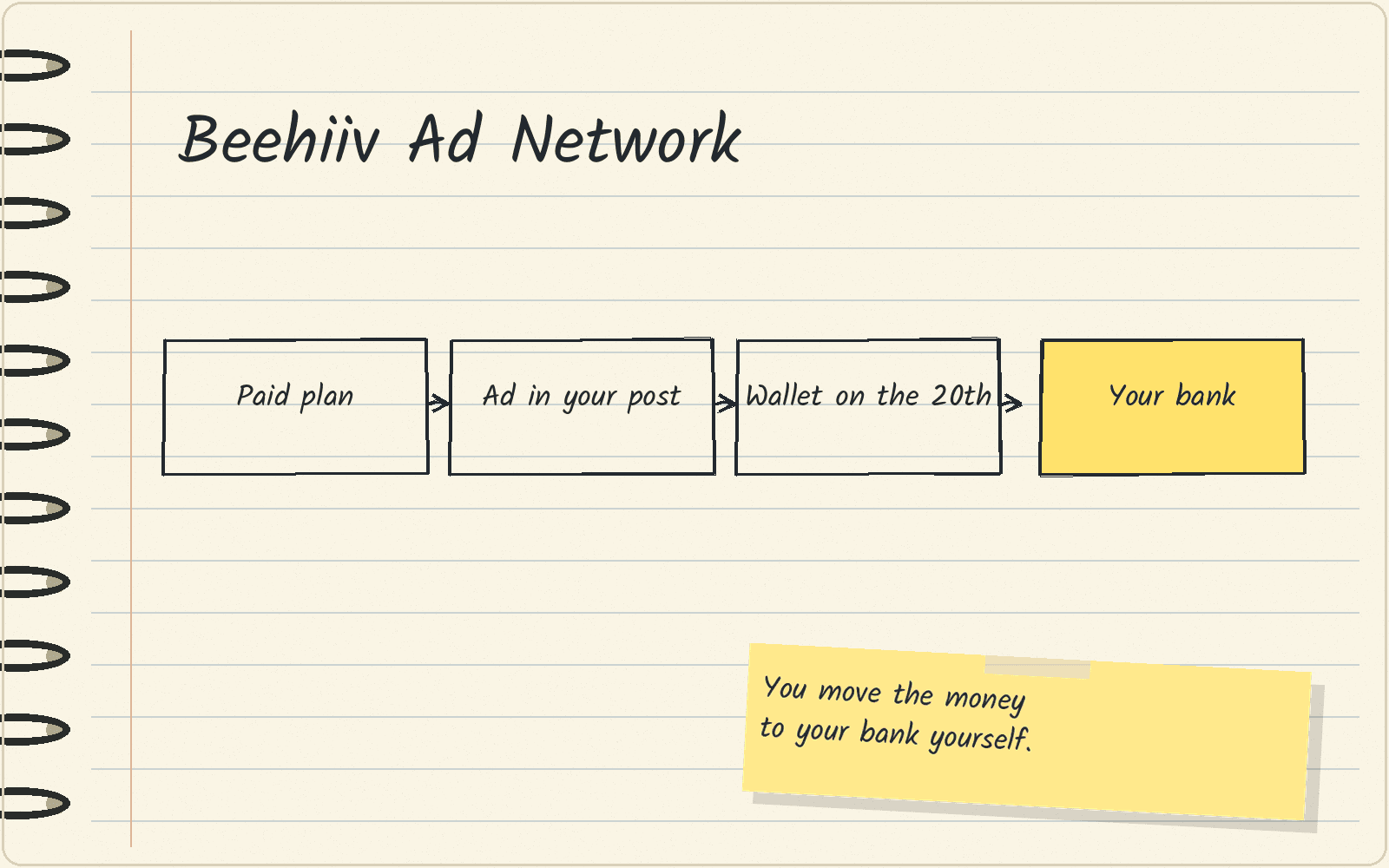
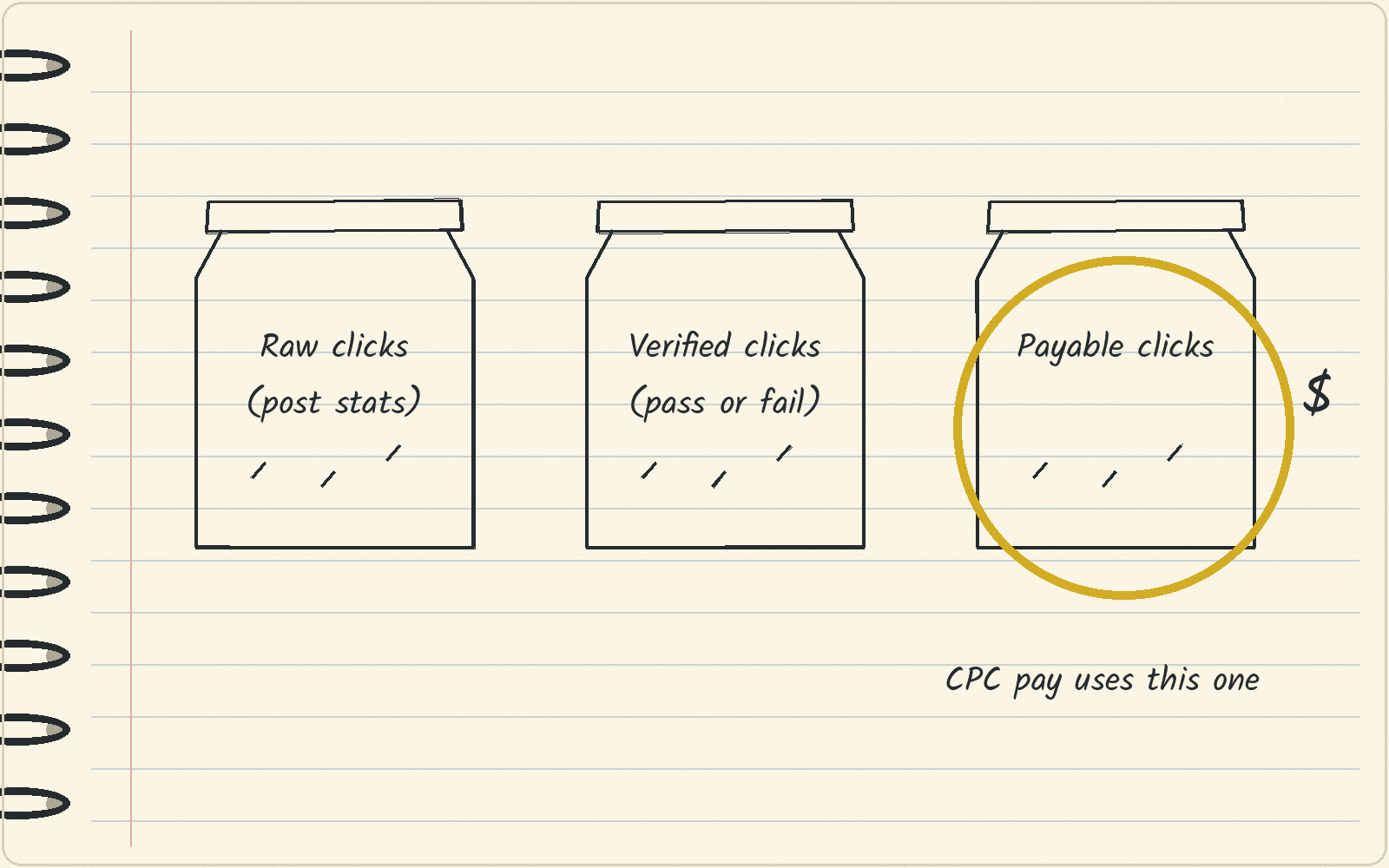
The Ad Network lets you put paid ads from advertisers into your newsletter. You need a Stripe Express account and a Stripe identity check before you can get paid. Cost-per-click (CPC) ads pay for payable clicks. A payable click is a unique reader click inside the campaign’s payout window (the 72 hours Beehiiv tracks after your send), after Beehiiv removes clicks flagged as automated or invalid and weighs the rest by click quality. Cost-per-thousand (CPM) ads pay for each 1,000 verified opens. A verified open is a unique open on that send, counted once per reader, that Beehiiv counts as a human open. Payable clicks are Beehiiv’s own count, and they differ from the raw clicks in your post stats. The money goes to your Beehiiv Wallet on the 20th of the next month, and you move it to your bank yourself.
Who can turn on the Ad Network
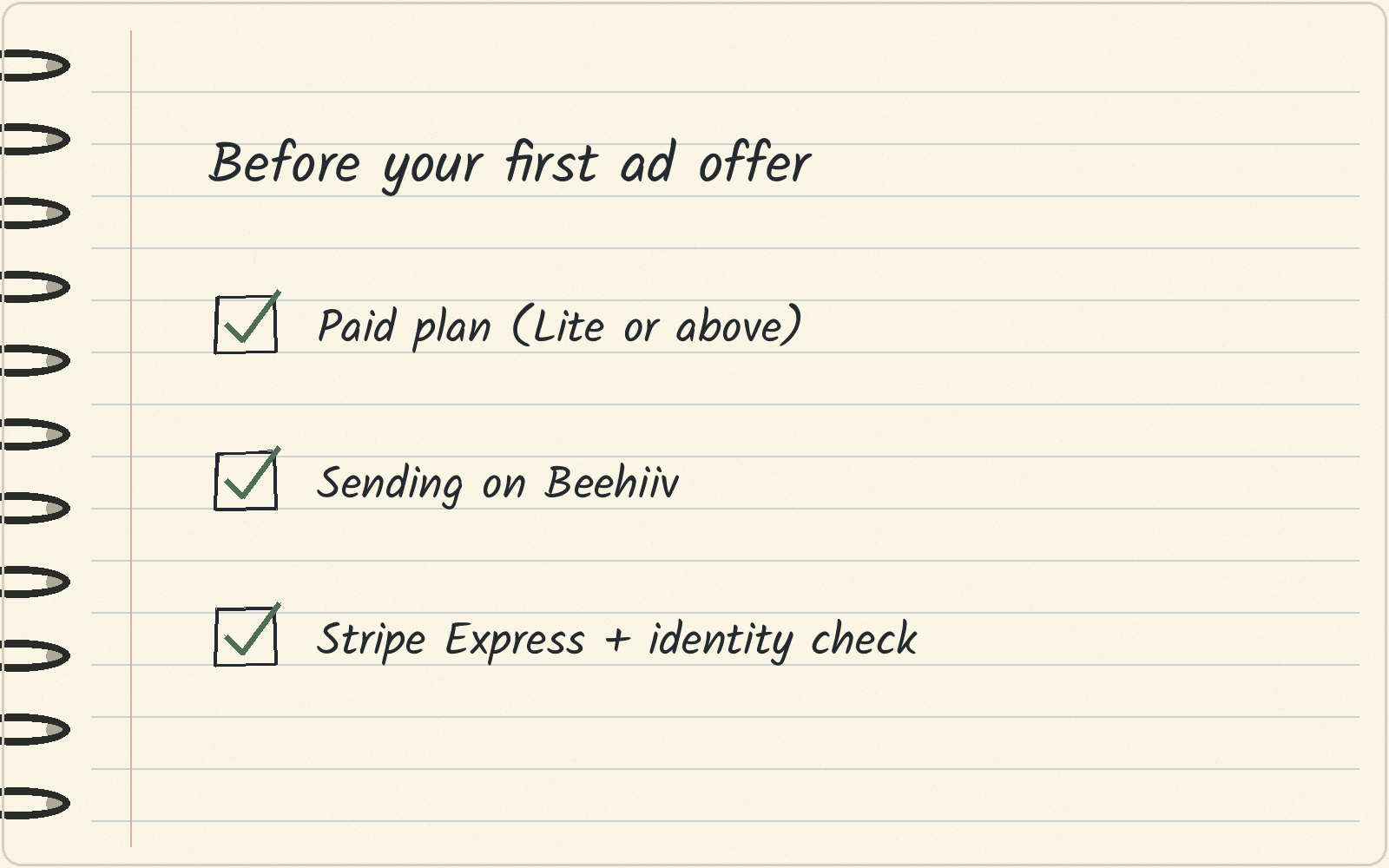
The Ad Network is for Beehiiv users on a paid plan. Beehiiv’s Ad Network page puts it as the Lite plan or above, for anyone who is actively sending on Beehiiv. Once you qualify, ad offers show up in your Ad Network dashboard on their own.
You also need a Stripe Express account. Stripe is the payment company Beehiiv uses, and Beehiiv needs a Stripe Express account to move your ad money into your Beehiiv Wallet. You go through Stripe identity verification first.
If you are on Free, read the Beehiiv pricing guide to see what Lite costs before you upgrade.
How to place an ad so Beehiiv counts it
Add the ad inside the Beehiiv editor, with the /ads command or from your offers in the Ad Network dashboard. Beehiiv tracks clicks only on ads placed this way. If you copy the ad by hand or paste the advertiser’s link yourself, those clicks do not earn you money.
What you get paid for: payable clicks and verified opens
Ads come in two pay types. A CPC ad pays a set amount per click (CPC means cost per click). A CPM ad pays per 1,000 opens (CPM means cost per thousand).
On CPC ads, you are paid for payable clicks, as Beehiiv’s Ad Network FAQ explains. A payable click is a click that Beehiiv counts after weighing a full range of click-quality signals. Beehiiv also shows verified clicks, which pass or fail one strict check. The two numbers are measured in different ways, so do not expect them to line up. The raw clicks in your post stats are a third number, and they do not set your pay.
On CPM ads, Beehiiv reports your pay on verified opens.
How Beehiiv’s own $200 example works
The same FAQ, updated November 3, 2026, gives one example of CPC pay. This is an illustrative example, with no claim about typical earnings.
The math: an ad with a $2 CPC gets 100 payable clicks. 100 × $2 = $200.
Your own pay depends on the CPC of the offer you pick and how many payable clicks your readers make. Use the example to check the sum. It does not predict your earnings.
Why the first days after a send can show $0
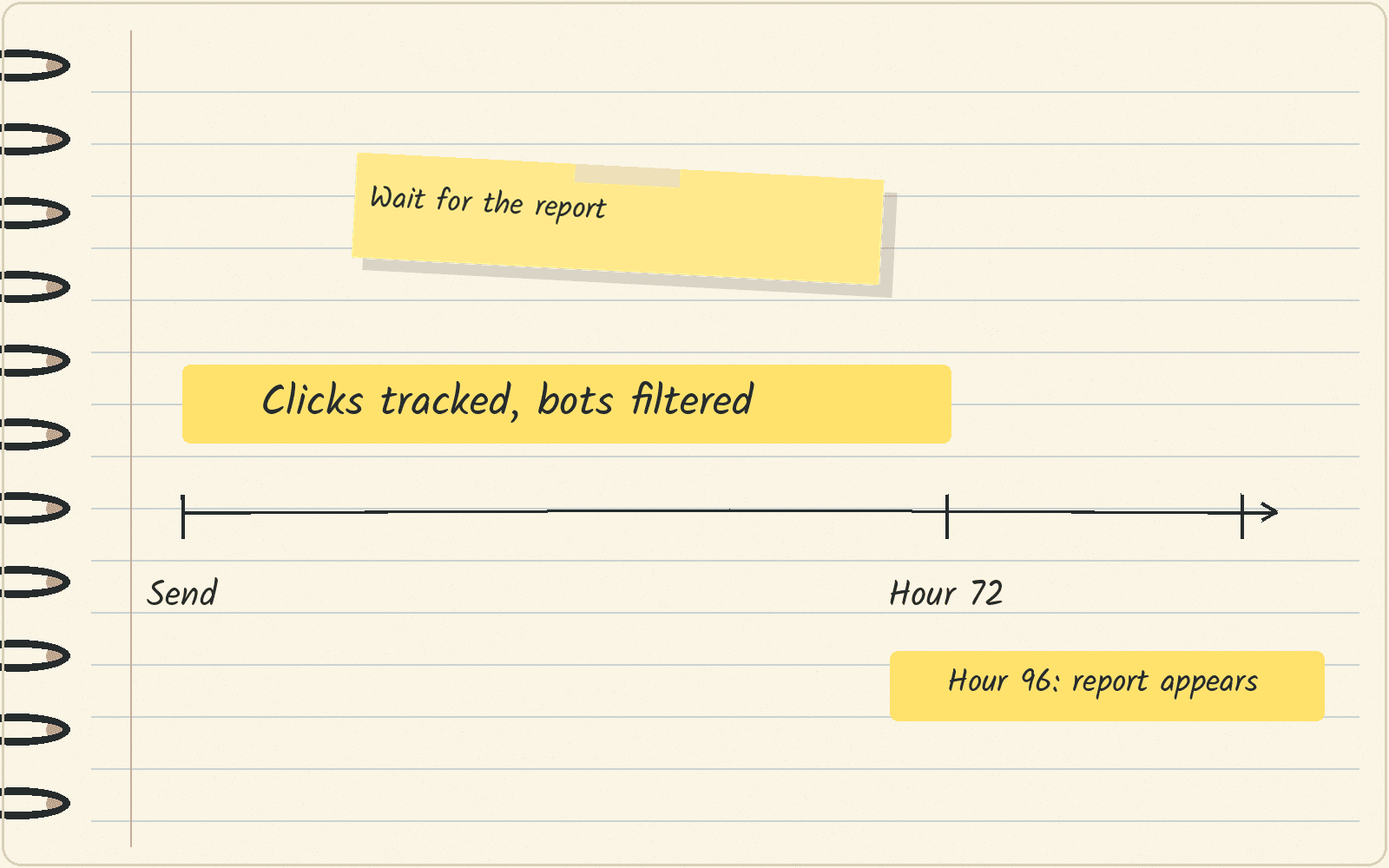
Beehiiv tracks clicks on your ad for 72 hours after you send. In that time it filters out bot clicks, fraud clicks and repeat clicks from the same reader.
Your report shows up 96 hours (4 days) after the send. It lists your payable clicks or verified opens, your confirmed earnings and your payment status.
Wait for the report before you judge an ad’s earnings.
How the money reaches your bank
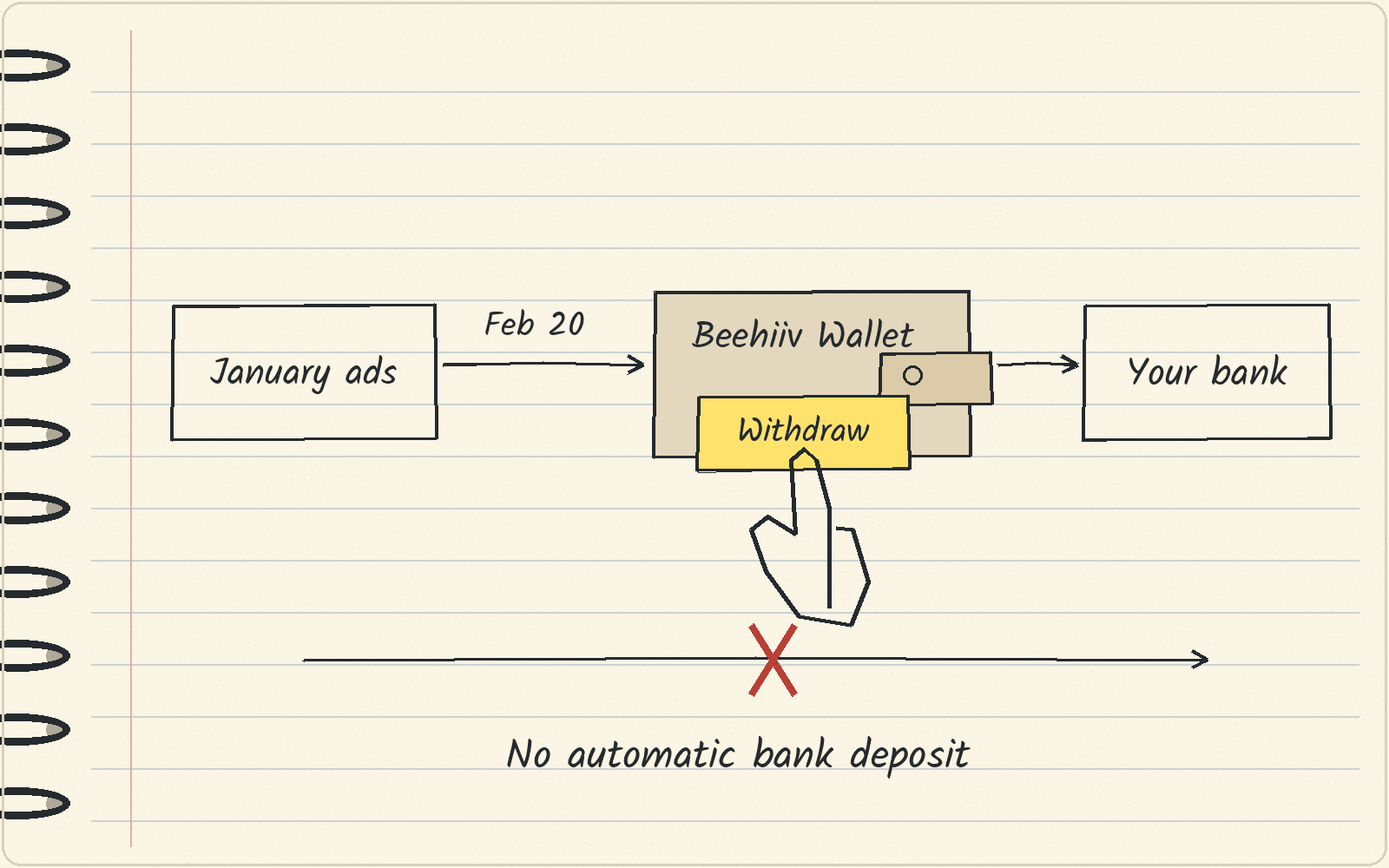
Beehiiv pays out on the 20th of each month for the ads you ran the month before. Beehiiv gives this example: on February 20, you are paid for all of January’s ad earnings.
The money goes into your Beehiiv Wallet, not straight to your Stripe account or your bank. You then move it from the Wallet to your connected bank account yourself. You can withdraw the balance at any time.
What to do this week
If you are on a paid plan, set up your Stripe Express account and finish the identity check today. Then place one ad from your offers with the /ads command in your next post. Wait 4 days for the report, and read payable clicks in that report.
If you are on Free, decide whether ads are worth the Lite upgrade with the pricing guide first.
Next · Beehiiv pricing shows what each plan costs.
Sources · Beehiiv Ad Network FAQ, viewed November 7, 2026 · Beehiiv Ad Network, viewed November 7, 2026
Related
- Outscraper pricing · what 10,000 Google Maps businesses cost
- Firecrawl MCP · the keyless option, sign in, or an API key
- Flodesk pricing · what 1,000 to 10,000 subscribers cost, and when beehiiv costs less
- Beehiiv pricing · Free, Lite, Pro and the 2,500 cliff
- Beehiiv
- Best AWeber alternatives · Kit for a free start, AWeber’s own Lite plan for a list around 2,500 subscribers
- Best ConvertKit alternatives · when the newsletter earns