

October 28, 2026
Smartlead API · two live paths, one API key, and the rate limit before a 429
Smartlead runs a recommended V1 API path and a Legacy path at the same time, both behind one API key. See which endpoints count, how the rate limit and 429 error work, and which plans include API access: Pro and every plan above it.
The short answer
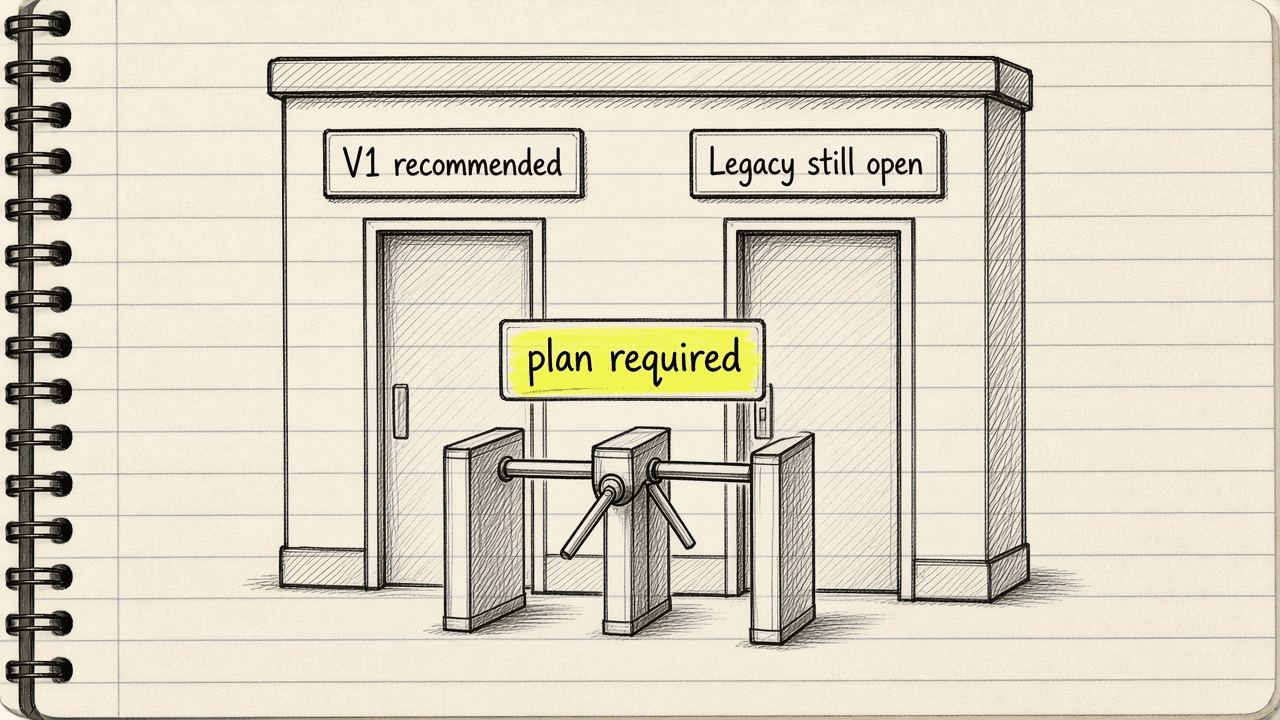
Pick the V1 path, /api/v1/..., if you are building a new integration. That is the version Smartlead’s own docs recommend. Pick the Legacy path, /api/..., if you already have an integration running on it. Smartlead keeps both paths live, so the old one never shuts down on a deadline.
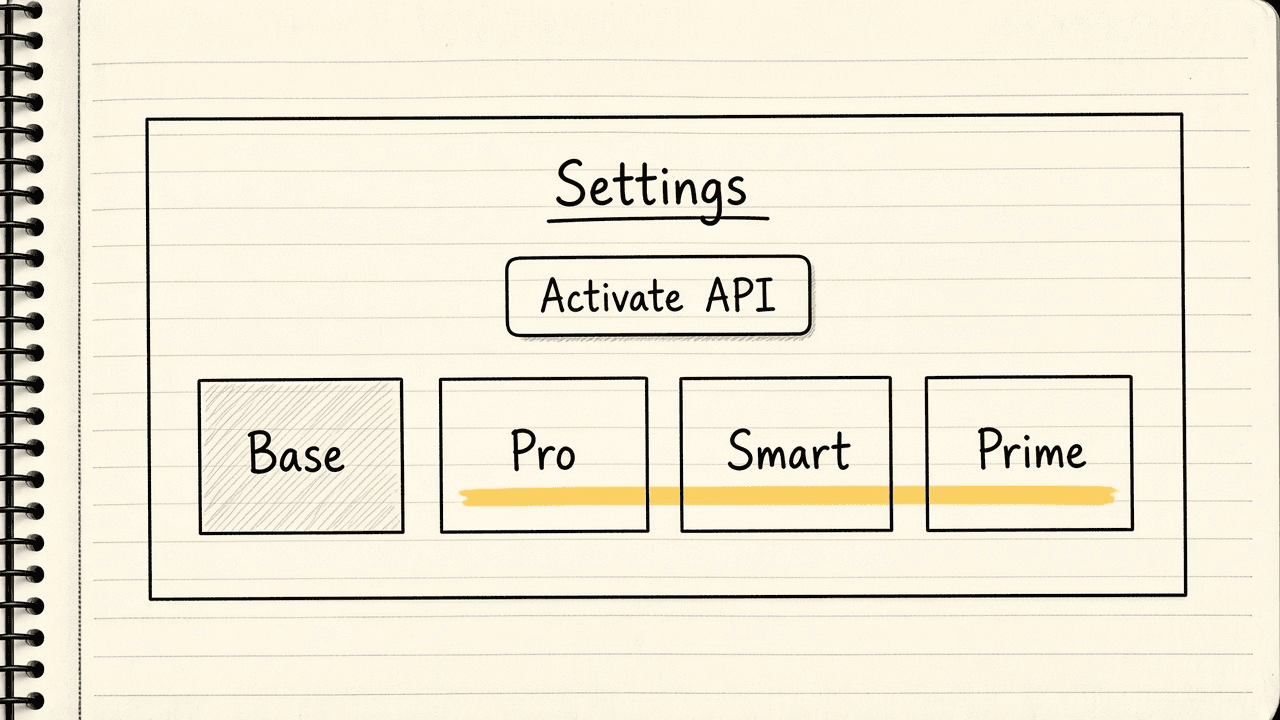
Whether your plan includes API access is a separate question. API access comes with Pro and every plan above it. Base does not include it. Check Settings for an “Activate API” button to confirm.
Two live paths, V1 and Legacy
A base URL is the starting web address every endpoint gets added onto. An endpoint is one specific address inside the API that does one job, like listing campaigns or adding a lead. Smartlead runs two base URLs at once:
V1 (recommended): https://server.smartlead.ai/api/v1
Legacy: https://server.smartlead.ai/api
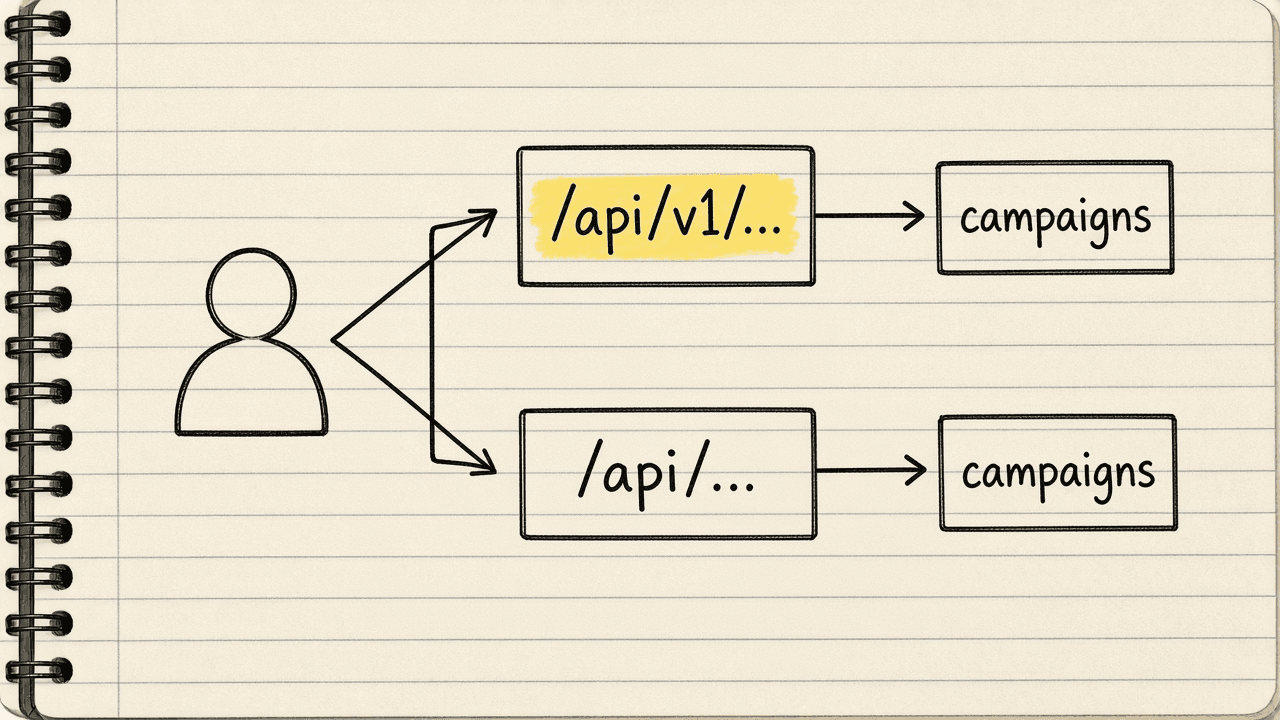
Both paths answer requests. A call built against the Legacy path years ago, GET /api/campaigns/, and a new one built against V1, GET /api/v1/campaigns/, can run against the same account at the same time. Smartlead’s docs describe V1 as faster and covering more of the campaign, lead, and account actions, and describe Legacy as kept running for integrations that already depend on it, with no shutdown date published for Legacy.
Two endpoints worth naming: Get All Campaigns, a GET call to /campaigns/ that lists every campaign in the account ordered newest first, and Add Leads to a Campaign, a POST call to /campaigns/{campaign_id}/leads that uploads up to 400 leads in one request. Webhooks, messages Smartlead’s server sends automatically to your own server when something happens, run through their own calls: POST /webhooks to create one and GET /webhooks to list them. They fire on events like a reply landing or a campaign finishing.
Getting an API key
An API key is a password-like code sent with each request to prove you sent it. Smartlead checks every call this way, no OAuth and no Bearer token. The API key rides along as a query parameter, extra text tacked onto the end of a web address after a question mark:
GET https://server.smartlead.ai/api/v1/campaigns/?api_key=YOUR_API_KEY
To get an API key, log in, open Settings, and click “Activate API.” Smartlead’s own guidance is direct about how to treat the API key once it exists. Treat it like a combined username and password: copy it once, keep it secure, and never paste it into public code. Smartlead’s Help Center is specific about the condition: that button only generates an API key “if your plan includes API access.” If the button is missing, the documented next step is emailing support@smartlead.ai instead of reading a published chart first.
Which plan includes API access
Base costs $39 a month billed monthly and does not include the API. Pro costs $94 a month billed monthly, and API access and webhooks, messages Smartlead sends to your code when something happens, come with Pro and every plan above it: Unlimited Smart and Unlimited Prime. The full plan breakdown is at the Smartlead pricing post.
A different product on the same price list names its own API condition plainly. SmartDelivery, an add-on product that checks where campaigns land in the inbox, runs its own three tiers named Growth, Pro, and Expert, separate from the core Base, Pro, Smart, and Prime plans described above. SmartDelivery’s own table lists “Full API Access” on its Pro and Expert tiers and leaves it off Growth. That Pro tier belongs to SmartDelivery, and it is a separate product from Smartlead’s core Pro plan.
Rate limits and the 429 error
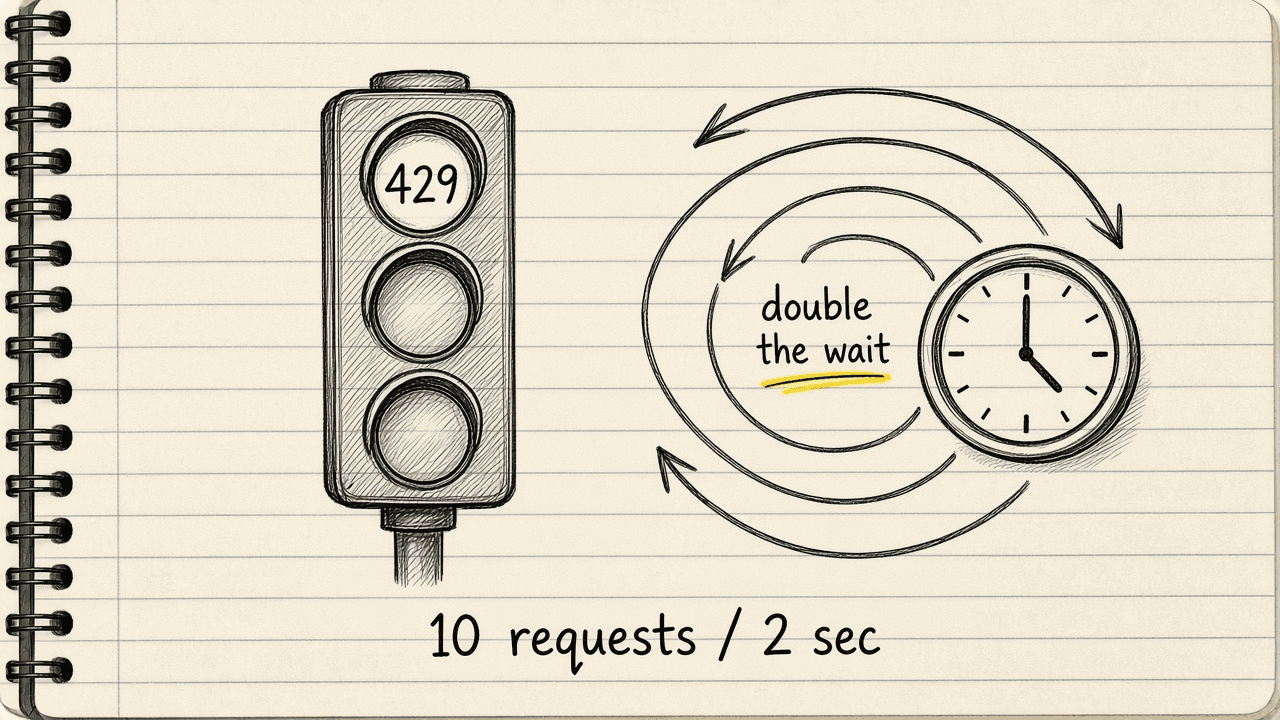
A rate limit caps the number of requests a plan allows in a stretch of time. Smartlead’s docs say limits vary by subscription plan and point to support for the exact number on any one plan. The same docs do print one concrete figure in the error-handling text: send calls too fast and the API answers with a 429 once calls go over 10 requests every 2 seconds. A 429 is the status code for “Too Many Requests.”
When that happens, the documented fix is exponential backoff: wait longer after each failed try, then wait even longer the next try. The docs’ own best practice is to wait at least 2 seconds before the first retry, then keep doubling the wait after every failure that follows, instead of retrying right away.
The math
The math: 10 requests ÷ 2 seconds = 5 requests a second. 5 requests a second × 60 seconds = 300 requests a minute, the pace that number works out to if a caller could sustain it with no gaps.
That 300-a-minute figure is not a published plan allowance. It is only what the one printed error-handling number comes to per minute. Smartlead’s own docs say the real limit varies by plan, so treat 300 a minute as a ceiling drawn from the error text’s own number. It is not a guaranteed rate for every account.
What to do next
Check Settings for the “Activate API” button first. API access comes with Pro and every plan above it, so a Base account moves up to Pro first. Build any new calls against /api/v1/... instead of the Legacy path. Read the full plan breakdown at Smartlead pricing and the tool overview at Smartlead before picking a tier for API access alone.
Sources · Smartlead API introduction, October 28, 2026 · Smartlead API full documentation, October 28, 2026 · Smartlead pricing, October 28, 2026