

November 15, 2026
Brevo pricing · plans by emails sent, and when Kit fits
Visit KitBrevo Free costs nothing, and paid plans start at $9 a month, priced on emails sent. Kit fits creators who want a free list of up to 10,000 subscribers.
The short answer
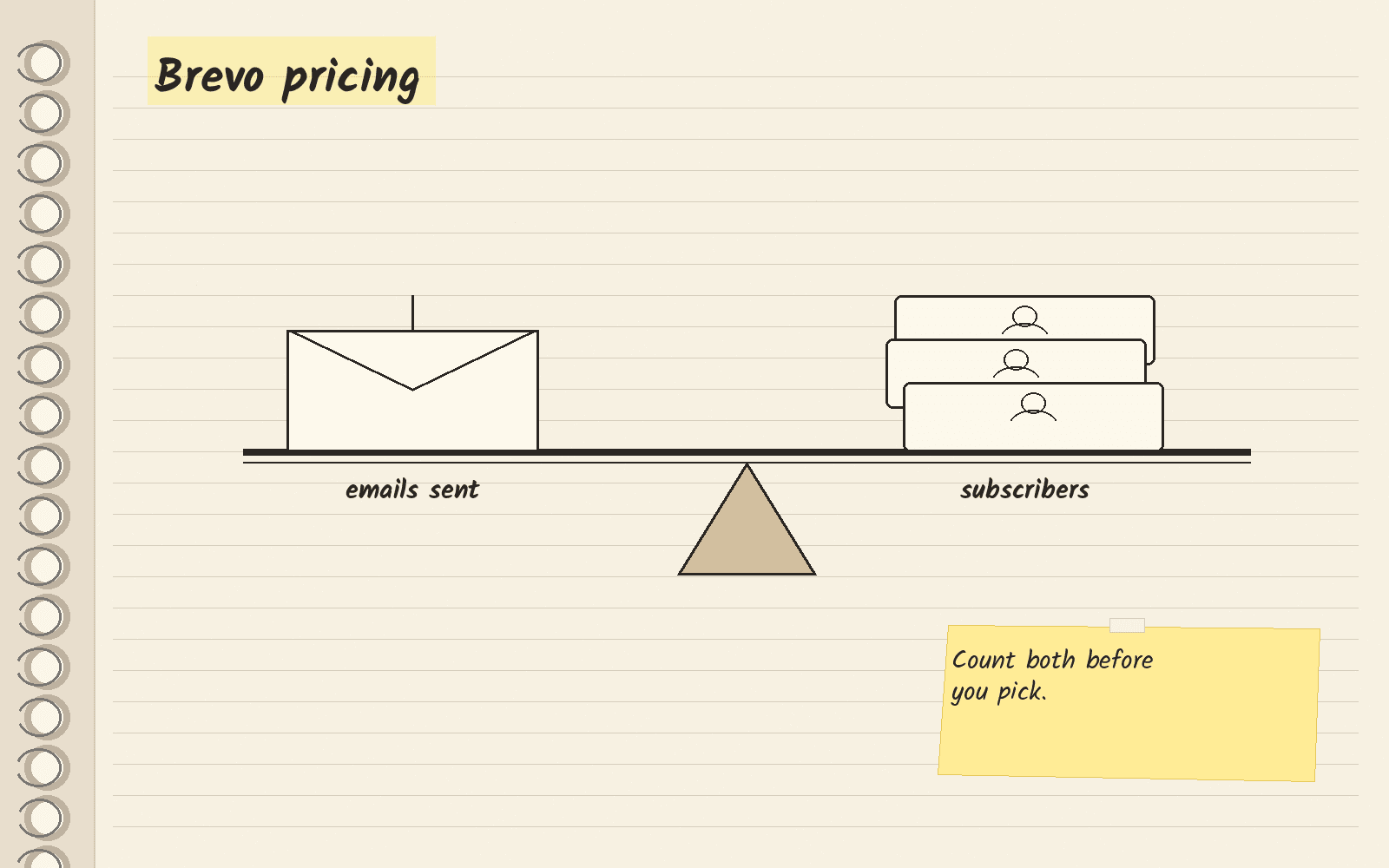
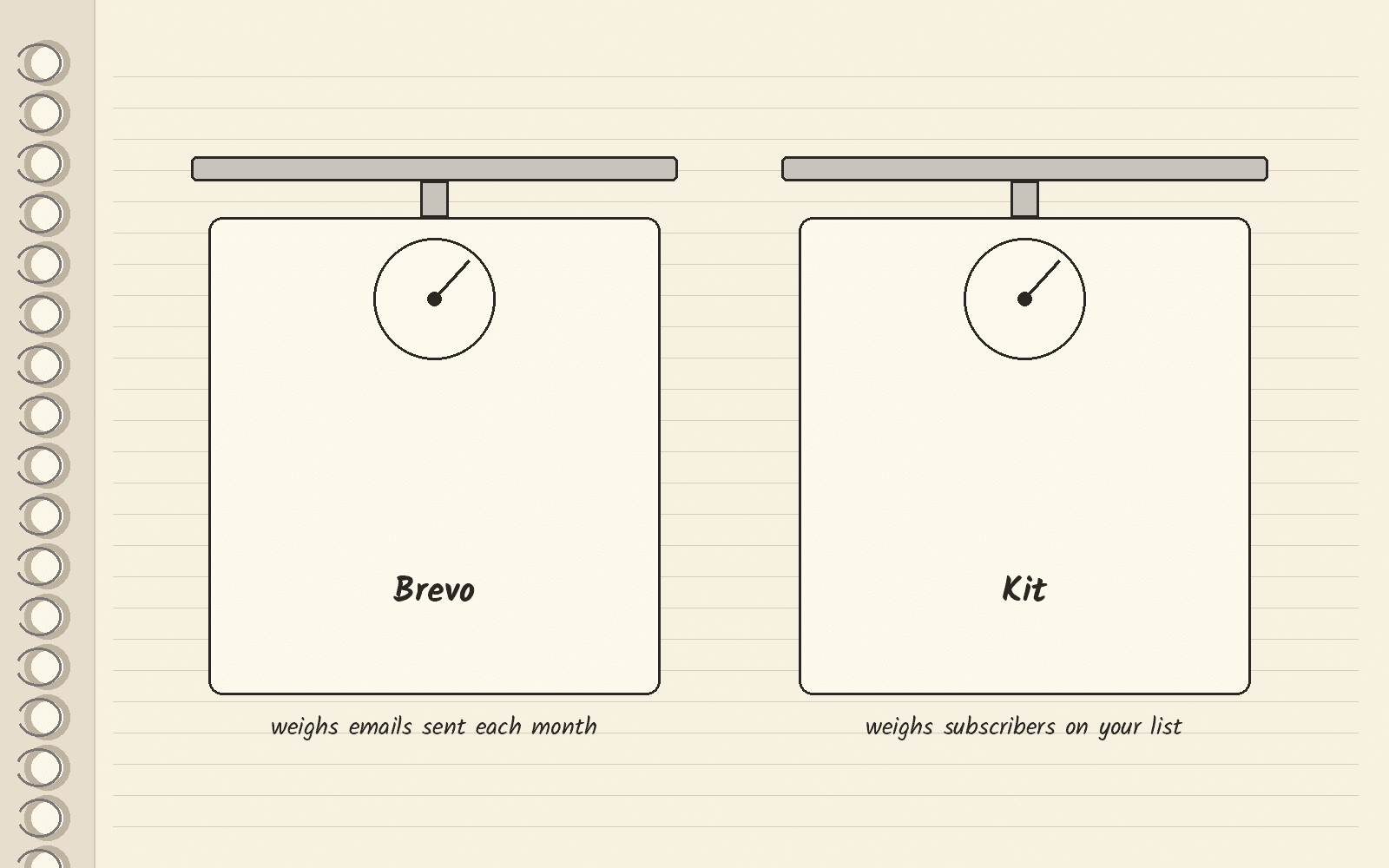
Brevo is an email marketing tool, and it prices its plans by how many emails you send each month. Kit prices its plans by list size, the number of subscribers on your list. So start by counting both: the emails you send and the subscribers you have.
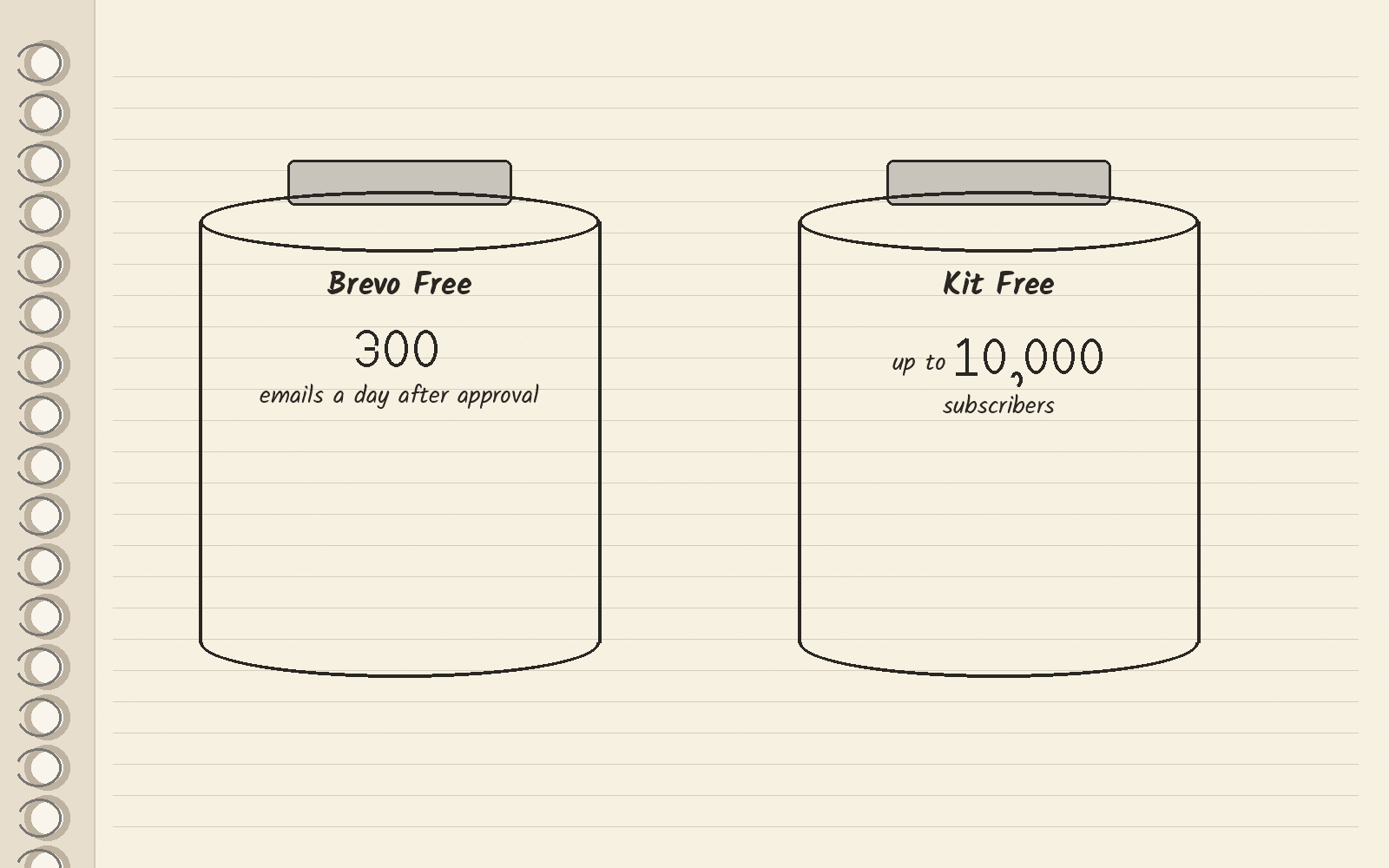
Brevo’s pricing page lists Free forever with no credit card needed. Its FAQ says you can send up to 300 emails a day once Brevo approves your account for sending. The first paid plan is Starter at $9 a month, which starts from 5,000 emails a month.
Pick Kit if you are a creator growing a list and want to start free. Kit’s pricing page lists Free at $0 for up to 10,000 subscribers. Stay on Brevo if you also need emails sent by your app, like receipts, or want email and text messages in one tool.
What each Brevo plan costs
Brevo’s pricing page shows these monthly prices in USD:
| Plan | Price | Who Brevo says it is for |
|---|---|---|
| Free | $0 a month, no credit card | Individuals and solopreneurs building an online presence |
| Starter | $9 a month | Single users starting with email and multi-channel marketing |
| Standard | $18 a month | Small businesses ready to automate and test campaigns |
| Professional | $499 a month | Teams using data and AI across channels |
| Enterprise | Custom price, talk to sales | Companies with 1M+ contacts |
A billing cycle is how often you pay. Brevo’s pricing page has a yearly cycle that takes 10% off each paid plan. Starter starts from 5,000 emails a month, and Professional starts from 150,000. So these are starting prices, and a bigger send volume moves you up.
The math: Standard is $18 a month on the monthly cycle, so a full year of it costs $216 (12 times $18).
What Brevo Free gives you
Free lets you upload contacts and send up to 300 emails a day after Brevo approves your account. Brevo’s FAQ also says every plan includes transactional email. A transactional email is a one-to-one message your app sends, like a receipt or a password reset.
If you send rarely, Brevo also sells pay as you go credits. Its FAQ says one email sent uses one credit, and the credits do not expire.
Where automations start
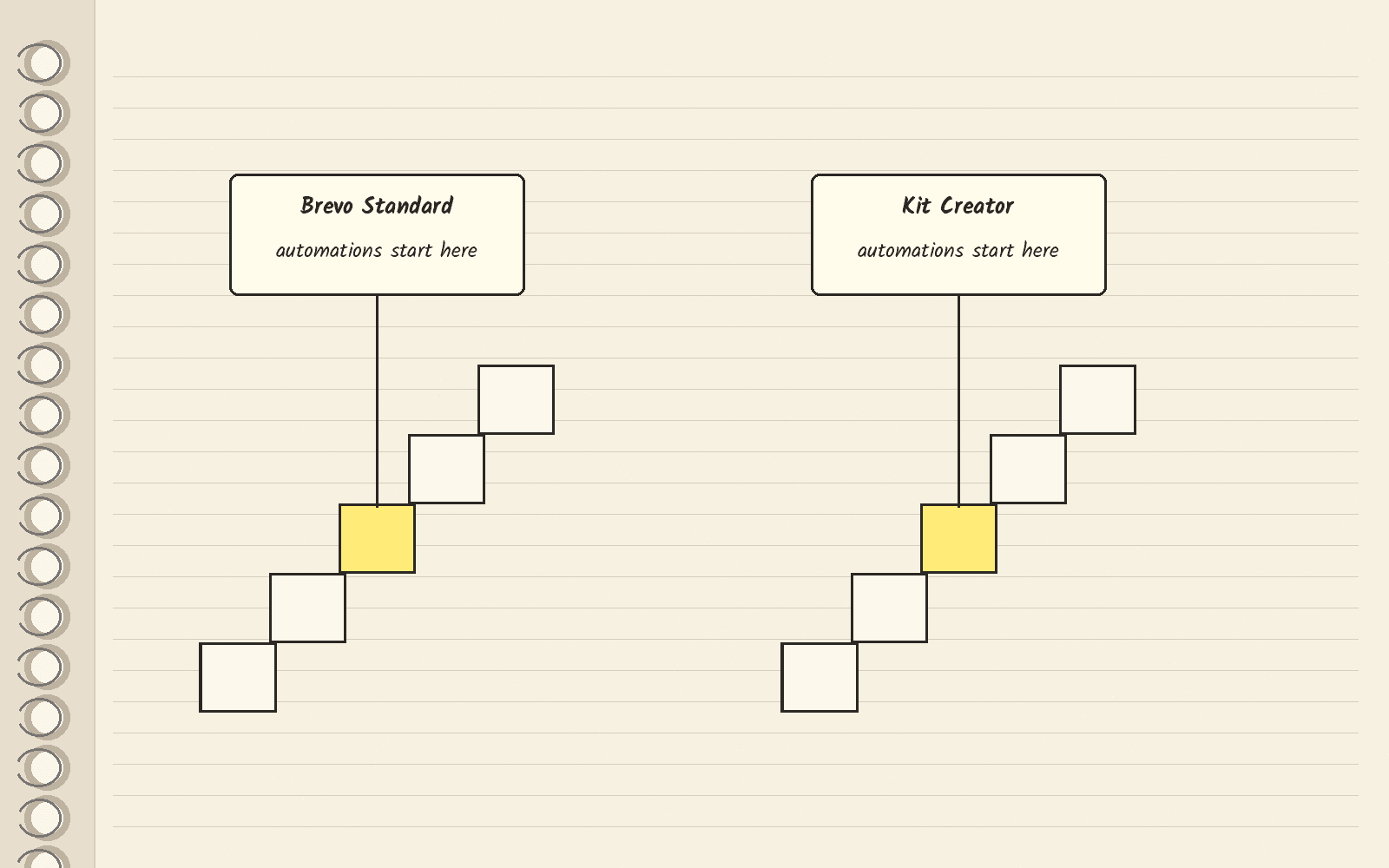
An automation is an email series that sends on its own when something happens, like a new signup. Brevo’s pricing page puts marketing automation and A/B testing on Standard and not on Starter. A/B testing sends two versions of an email to see which one does better.
Kit’s pricing page puts unlimited visual automations on Creator. Visual automations are email flows you lay out as a diagram of steps. Kit Free does not list them.
When Kit fits better
Kit fits a creator who writes to one growing list. At 1,000 subscribers on the yearly cycle, Creator is $33 a month, billed as $390 a year. Kit’s pricing page lists a 14-day free trial on paid plans with no credit card required. Kit’s Pro plan is on a limited-time first-year discount, so check what it renews at before you pick it.
Keep the two bills apart when you compare them. Brevo’s price moves with emails sent, and Kit’s price moves with subscribers. The Kit pricing guide explains each Kit plan, and the Kit review covers the whole product.
Other pages you will see
Two third-party guides rank for this search. Enflow’s Brevo pricing guide also says the bill depends on emails sent, not contacts stored. Email Software Insights’ Brevo guide breaks down plans and fees. Both print long volume tables. Use Brevo’s own page for prices.
If you are still choosing a newsletter tool, the newsletter platforms guide compares more options.
What to do this week
Write down two numbers: how many emails you send in a month, and how many subscribers you have. If sending email is the main job, or your app sends receipts too, start on Brevo Free. If you are a creator with a list under 10,000 who wants automations later, open Kit and start on Free or the 14-day trial. The button below opens Kit’s homepage, not its pricing page.
Next · Kit pricing explains each Kit plan · MailerLite pricing covers another list-size tool · Beehiiv pricing covers a newsletter-first tool · Flodesk pricing covers a flat-price option.
Sources · Brevo pricing, viewed November 15, 2026 · Kit pricing, viewed November 15, 2026 · Enflow Brevo pricing guide, viewed November 15, 2026 · Email Software Insights Brevo guide, viewed November 15, 2026
Related
- Google reviews API · your own listing or anyone else’s
- YouTube transcript API · free library or a paid search API
- AWeber pricing · Free, Lite and Plus, and when Kit fits
- Constant Contact pricing · how plans work, and when Kit fits
- Kit
- Best AWeber alternatives · Kit for a free start, AWeber’s own Lite plan for a list around 2,500 subscribers
- Best ConvertKit alternatives · when the newsletter earns