

November 8, 2026
Google Images API · image results with their source page
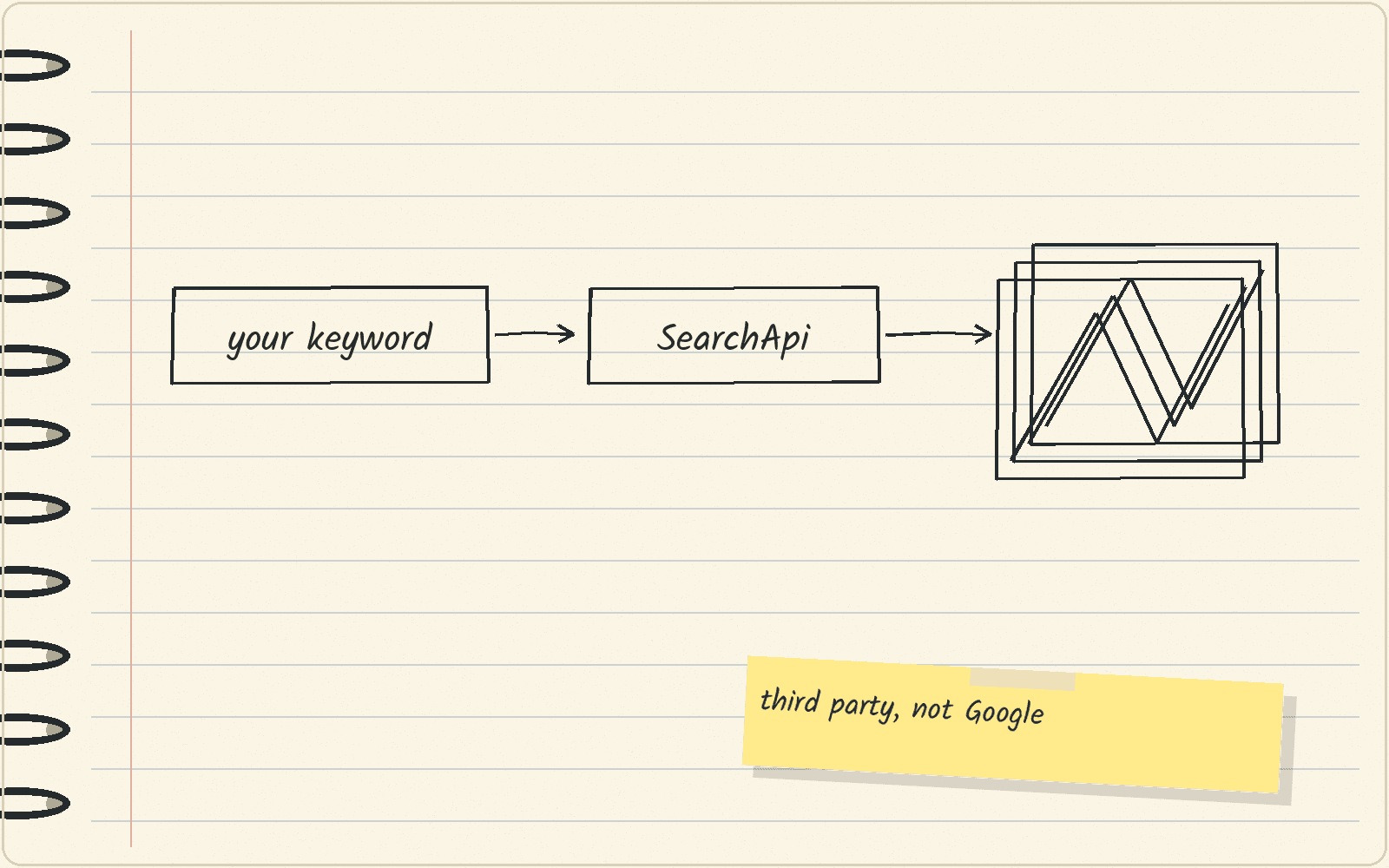
Visit SearchApiGoogle’s own image search API is closed to new customers. SearchApi returns Google Images results with the file and page. Plan requests and check rights.
The short answer
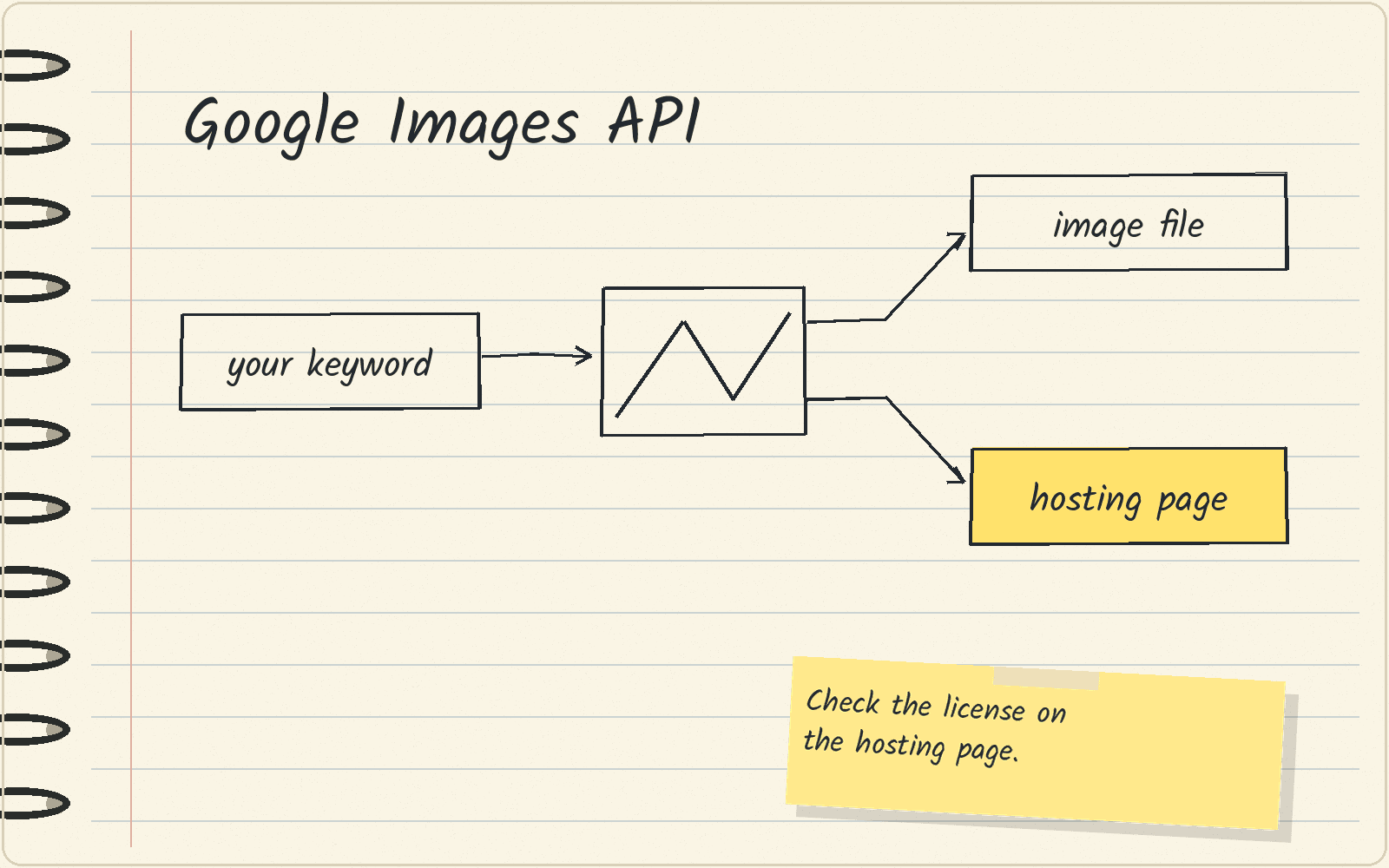
An API is a way for your code to ask a service for data and get it back. Pick SearchApi’s Google Images API if you are starting a new project and need image results for a keyword, with the image file and the page that hosts it. SearchApi is a third-party company that collects Google Images results, and it is not part of Google.
Google’s own image search option for code, the Custom Search JSON API, is closed to new customers. JSON is a plain text format that code can read. So a new team cannot sign up for it.
This guide has no prices. A request is one call your code makes to the API. SearchApi’s pricing lists plans by number of searches, and it does not say how much of a plan one Google Images request uses. Run a few test requests and check what your account is charged before you set a budget.
Google’s own image search API is closed to new teams
Google’s Custom Search JSON API can return web results or image results. Google says the API is closed to new customers, and existing customers have until January 1, 2027 to move to another option.
If you already use it, the Custom Search API alternatives guide covers the move.
What each image result gives you
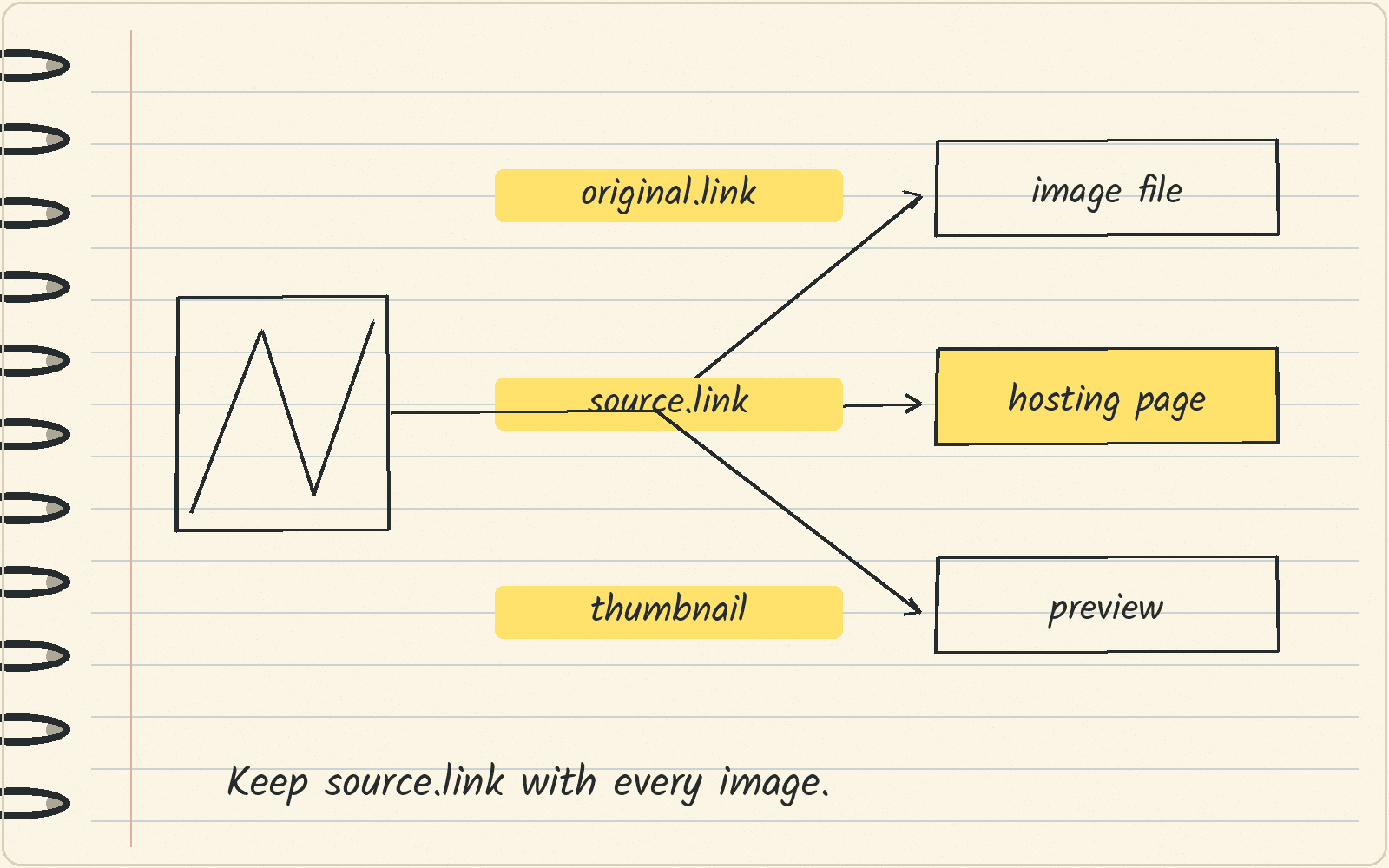
SearchApi’s documentation shows an example Google Images response with a list called images. Each item in that list has these parts:
| Field | What it is | What to do with it |
|---|---|---|
original.link | The address of the image file itself | Use it to fetch the full image |
original.width and original.height | The size of the image in pixels | Skip images that are too small for your use |
source.link | The web page that hosts the image | Keep it, because you need it to check the license |
source.name | The name of the site | Show it next to the image in your list |
thumbnail | A small preview image | Use it for quick review screens |
In the example, source and original each hold several values, and thumbnail is a single web address. This table comes from SearchApi’s example response. No test request was run for this guide, and the example does not promise that every result has every field.
The example also has no field that states an image’s license. Save source.link with every original.link, so you can find the license later.
How many requests a keyword list needs
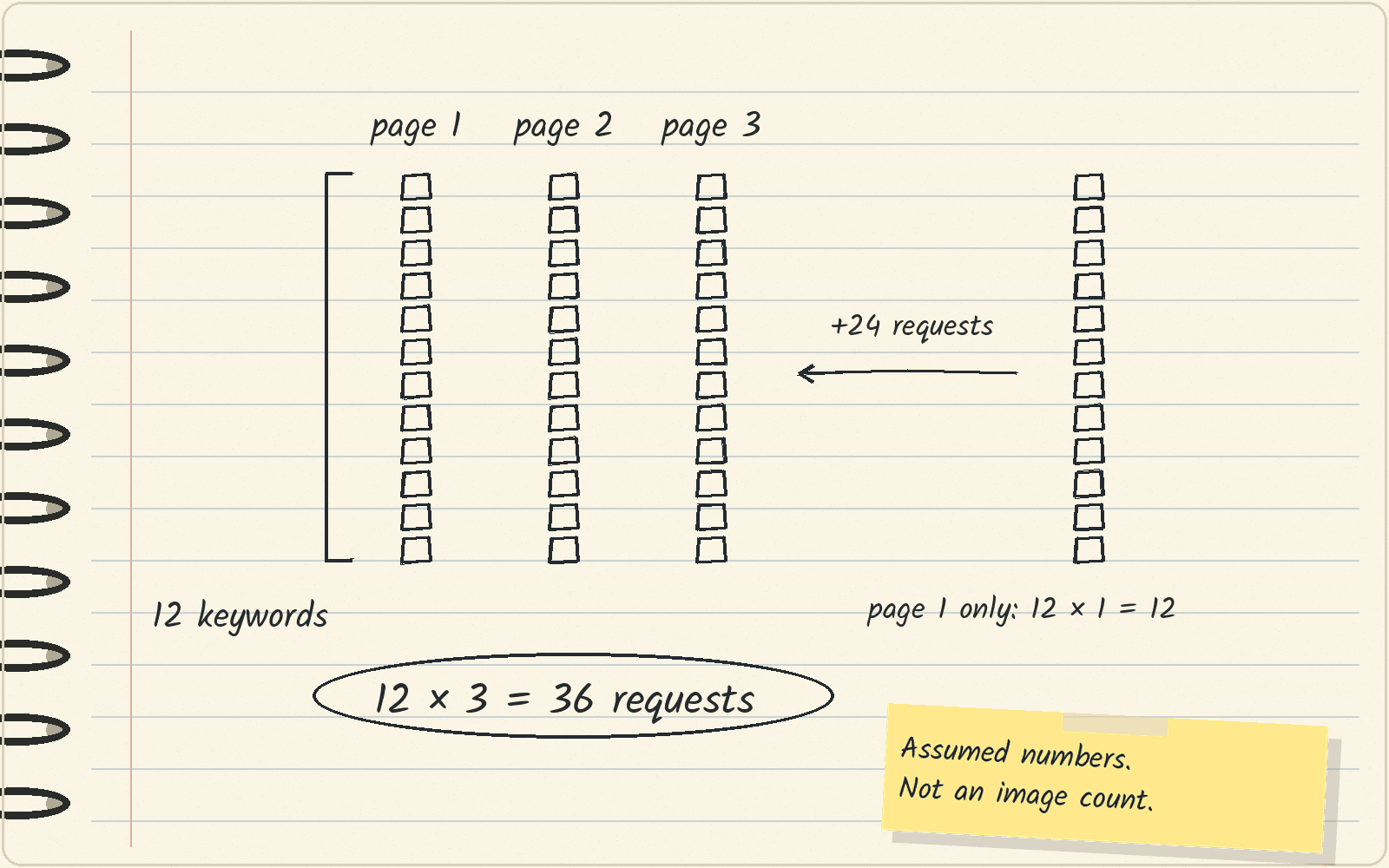
SearchApi has a page setting that picks which page of results to return, and it starts at 1. Each extra page you want for a keyword is another request.
The math: say you have 12 keywords and want pages 1, 2 and 3 for each one. That is 12 × 3 = 36 requests. If you take only page 1, it is 12 × 1 = 12 requests. So the extra pages add 24 requests.
The 12 keywords and the 3 pages are assumptions for this example. A request count does not tell you how many images you will get. Do not assume page 3 exists for every keyword. Check your list for the same image showing up more than once across pages.
A usage-rights filter does not give you permission
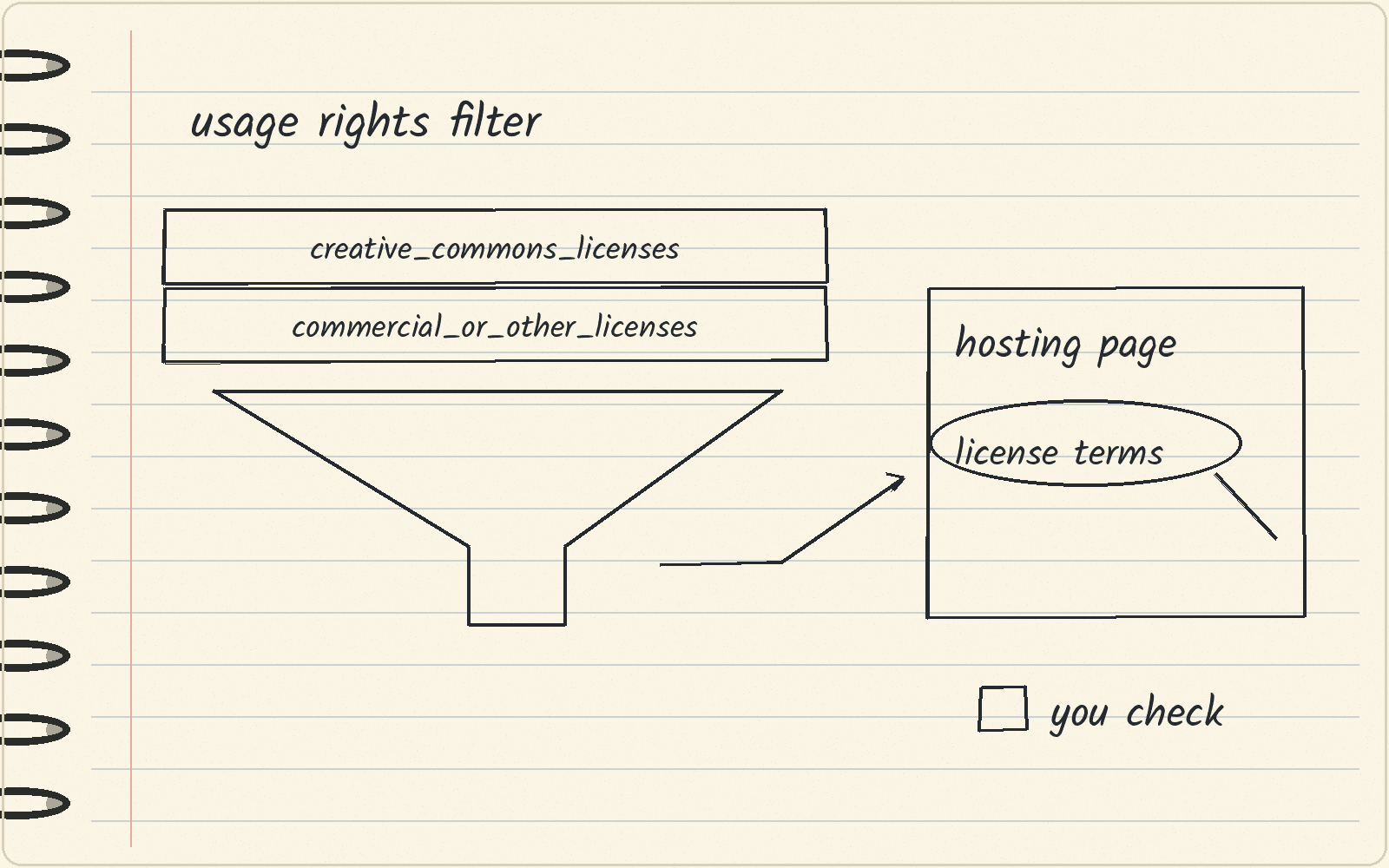
SearchApi’s usage_rights setting has two choices: creative_commons_licenses and commercial_or_other_licenses. Creative Commons licenses are public licenses that set out how others may reuse a work.
Google filters images by license using information from the sites that host the images, or from the image provider. Google’s help page tells you to make sure a license is legitimate and to check the exact terms of reuse before you reuse an image. It also says to always confirm an image’s license information.
So the filter only narrows your list. Open source.link, find the license on that page or with the image provider, and read its terms before you use the image. If your job is to get images you are sure you can publish, a licensed image library fits that job better than search.
What to do this week
Write down your keyword list and the number of pages you need for each keyword, and multiply the two. Then run a few test requests with SearchApi. Check that original.link and source.link come back for your keywords, and check what your account was charged. Keep the hosting page with every image you save.
Next · SearchApi review covers the tool as a whole · Web search APIs compares search APIs by what they return.
Sources · SearchApi Google Images API documentation, viewed November 8, 2026 · Google Custom Search JSON API overview, viewed November 8, 2026 · Google Search Help: Find images you can use and share, viewed November 8, 2026 · SearchApi pricing, viewed November 8, 2026
Related
- Google Lens API · find pages and products from an image
- Beehiiv Ad Network · who can join and how you get paid
- Google reviews API · your own listing or anyone else’s
- YouTube transcript API · free library or a paid search API
- SearchApi
- Bing Search API alternatives · the API retired in 2025
- Best Bright Data alternatives · Firecrawl for clean page text, and when to stay on Bright Data